How do I set my starting account balance?
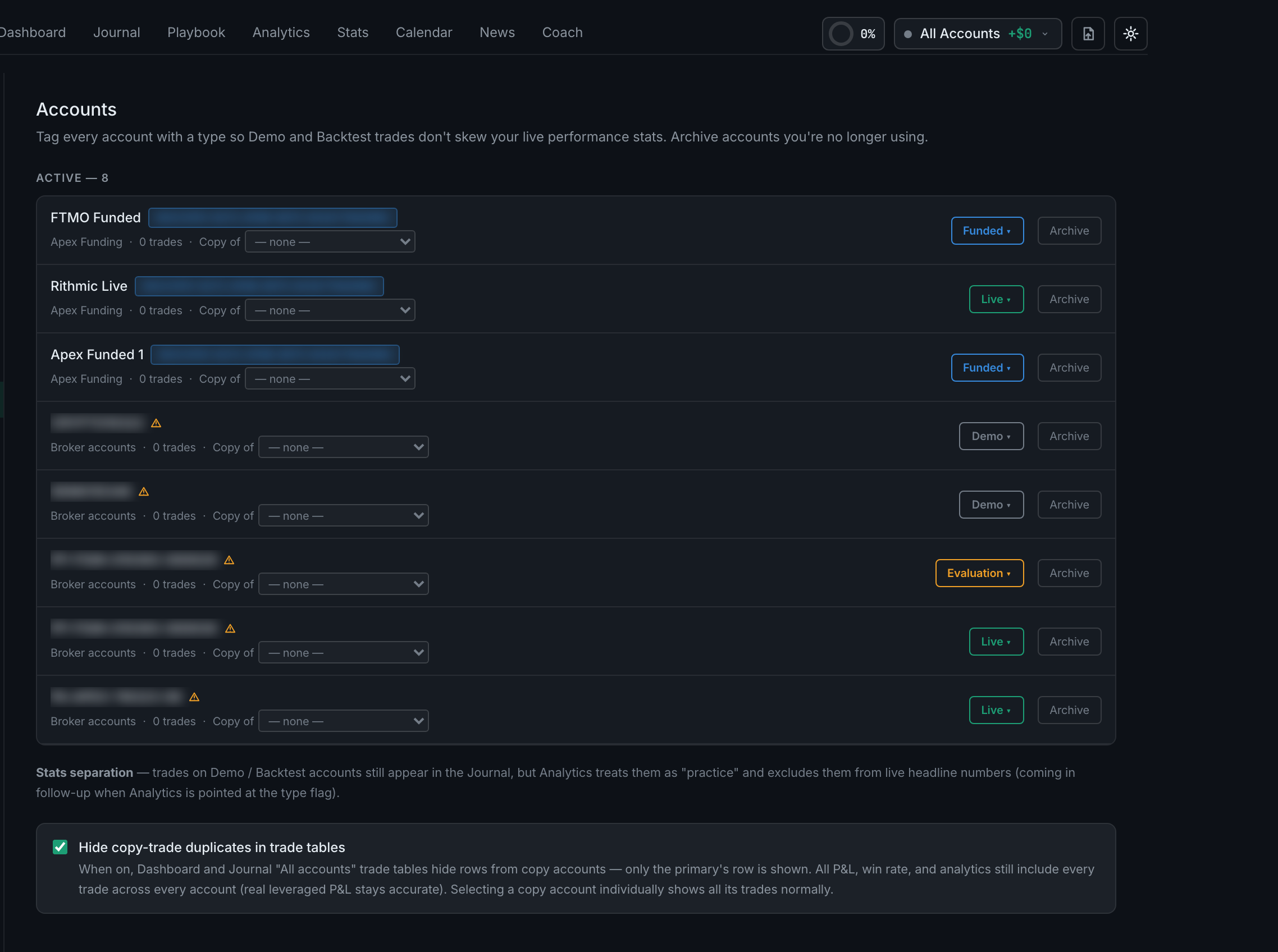
You do not set it by hand — there is no field for it anywhere in the app. An account's balance is your realized P&L on it, unless a connected broker is reporting a real figure or the account was auto-detected from a prop firm, in which case the detected size is used as the base.
Three cases, and it is worth knowing which you are in.
A connected broker wins. If a broker is sending live snapshots, the balance shown is the broker's own figure. Nothing is derived and nothing is guessed.
An auto-discovered prop account gets its size as the base. When an account is detected from a prop firm connector, the detected account size is stored as its starting balance, so the balance reads as size plus realized P&L — which is the number you actually care about on an evaluation.
Everything else starts from zero. An account created by onboarding, or one you made yourself, has no starting balance, so what the app calls its balance is your cumulative realized P&L on it. That is a useful number, but it is not your account value, and there is currently no way to tell the app otherwise.
What this means in practice. If you fund an account outside the app and log trades by CSV, the balance figure will read low by exactly your deposit. Read it as P&L since I started journalling here and it is correct; read it as what is in my account and it is not.