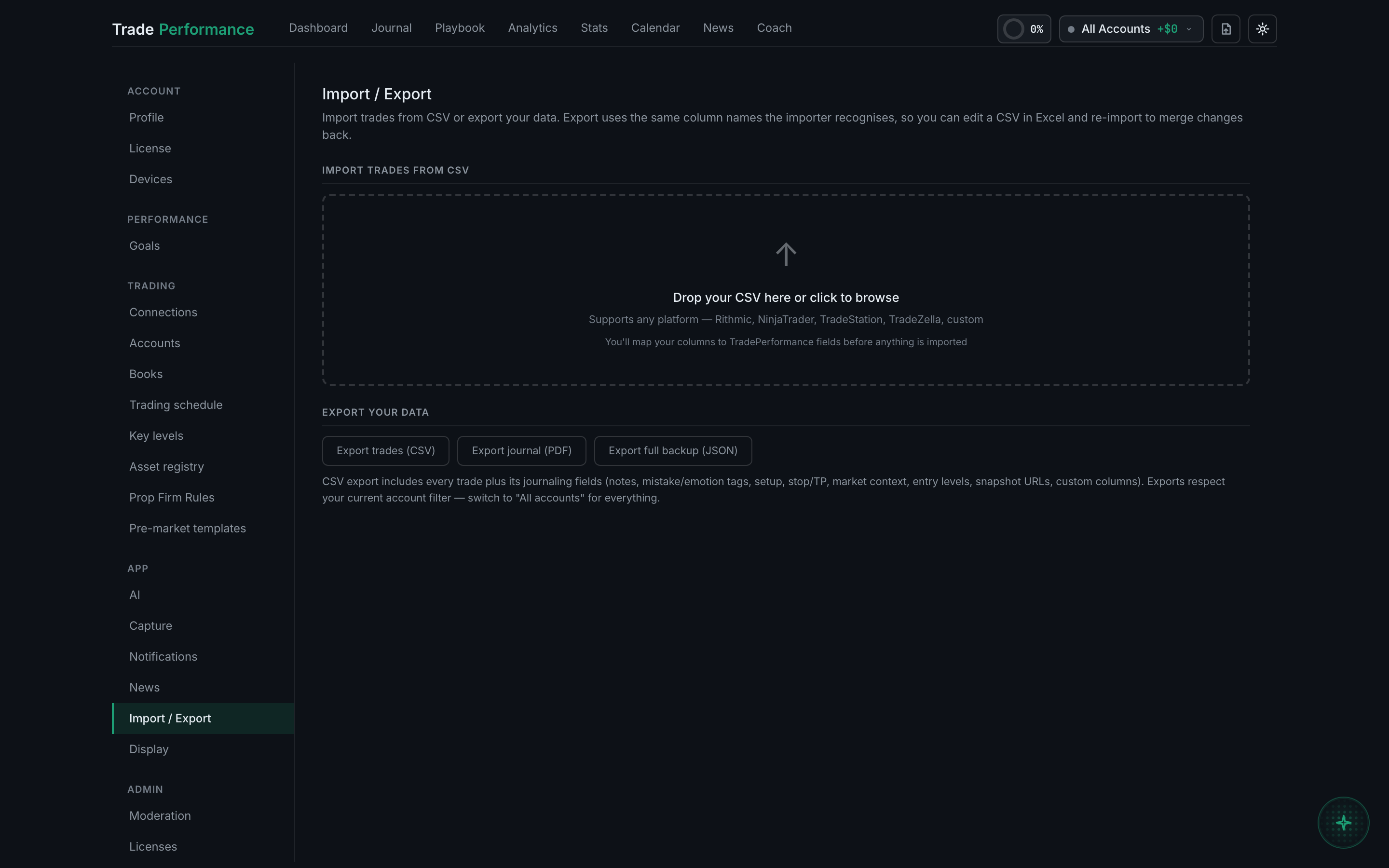
What is the fastest way to get my existing trade history in?
A CSV export from your platform, imported at Settings → Import / Export. It is the only route that moves months of history in one action.
Everything else in the app logs trades from now on. Only the importer moves the past.
The workflow is: export from your broker or platform, open the importer, map the columns, and import. Broker presets auto-map the standard columns for common platforms. The full walkthrough is in the Journal guides.
One thing to know before you start. The importer needs four fields at minimum — symbol, side, entry price and the trade date — and a single timestamp column satisfies both the entry time and the date. If the Import button stays disabled, the amber notice above it names exactly which of the four is still unmapped.
Import history before you turn capture on, not after. Capture fires on trades arriving in your journal, not on fills happening, so importing last quarter with auto-capture enabled takes a screenshot of whatever is on your screen right now for every imported trade. See when capture fires.
Check the account filter when you are done. Imports land in the account you are pointed at.