What is the "next critical event" card?
The next high-impact release, with a live countdown, the volatility usually seen around it, and a warning if you have positions open into it.
Read the full guideThe economic calendar, the headlines, what the market actually did when each event landed, and what you did. It is the one page that looks forward rather than back — everything else in the app reads your history; this reads the day in front of you.
Top to bottom, it goes from "what is about to happen" to "how you handle it".
The page refreshes itself every minute, so the countdown and the "what is next" logic stay honest without you reloading.
No questions on this page match that. Search all 15 areas
The next high-impact release, with a live countdown, the volatility usually seen around it, and a warning if you have positions open into it.
Read the full guideA setting that flags the minutes either side of a high-impact release as a period you have told yourself not to trade. Off by default; you set the number of minutes.
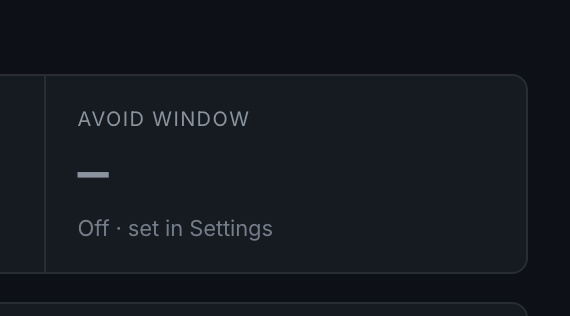
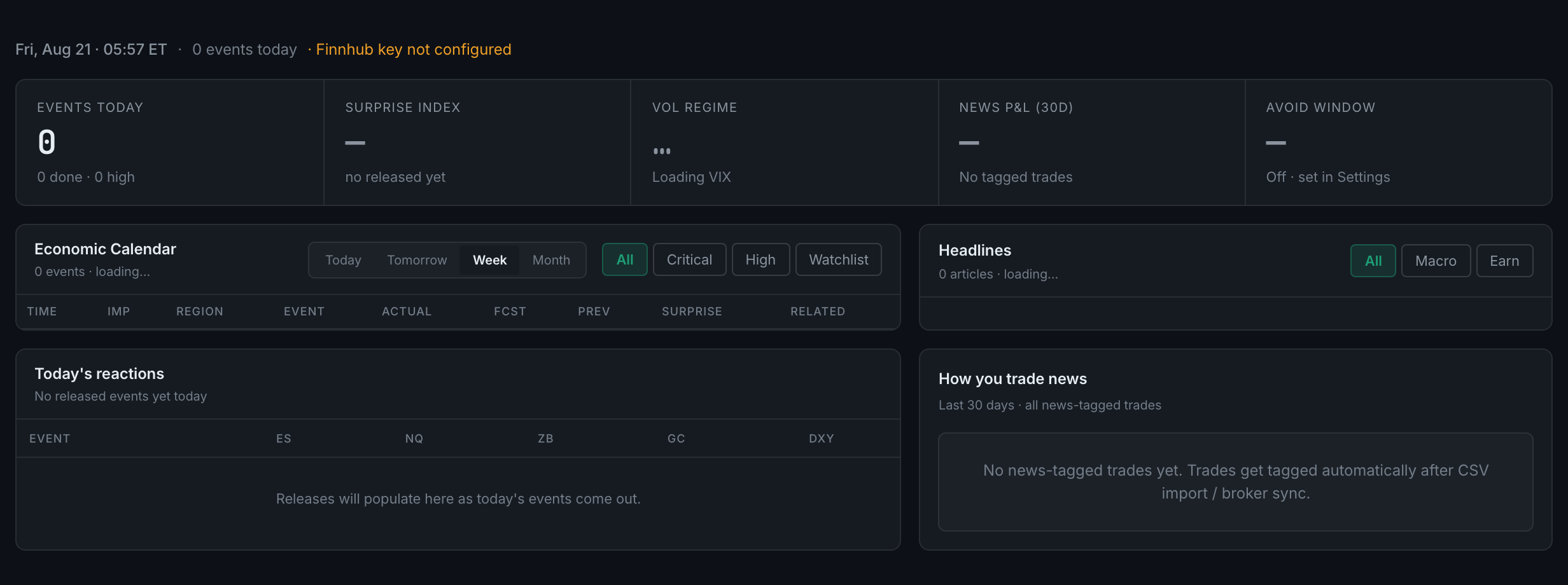
Five tiles — Events Today, Surprise Index, Vol Regime, your news P&L over thirty days, and the Avoid Window.

Every scheduled release in the window you choose, with its time, its impact, its forecast and its actual once it lands. Two sets of controls: a date range and an impact filter.
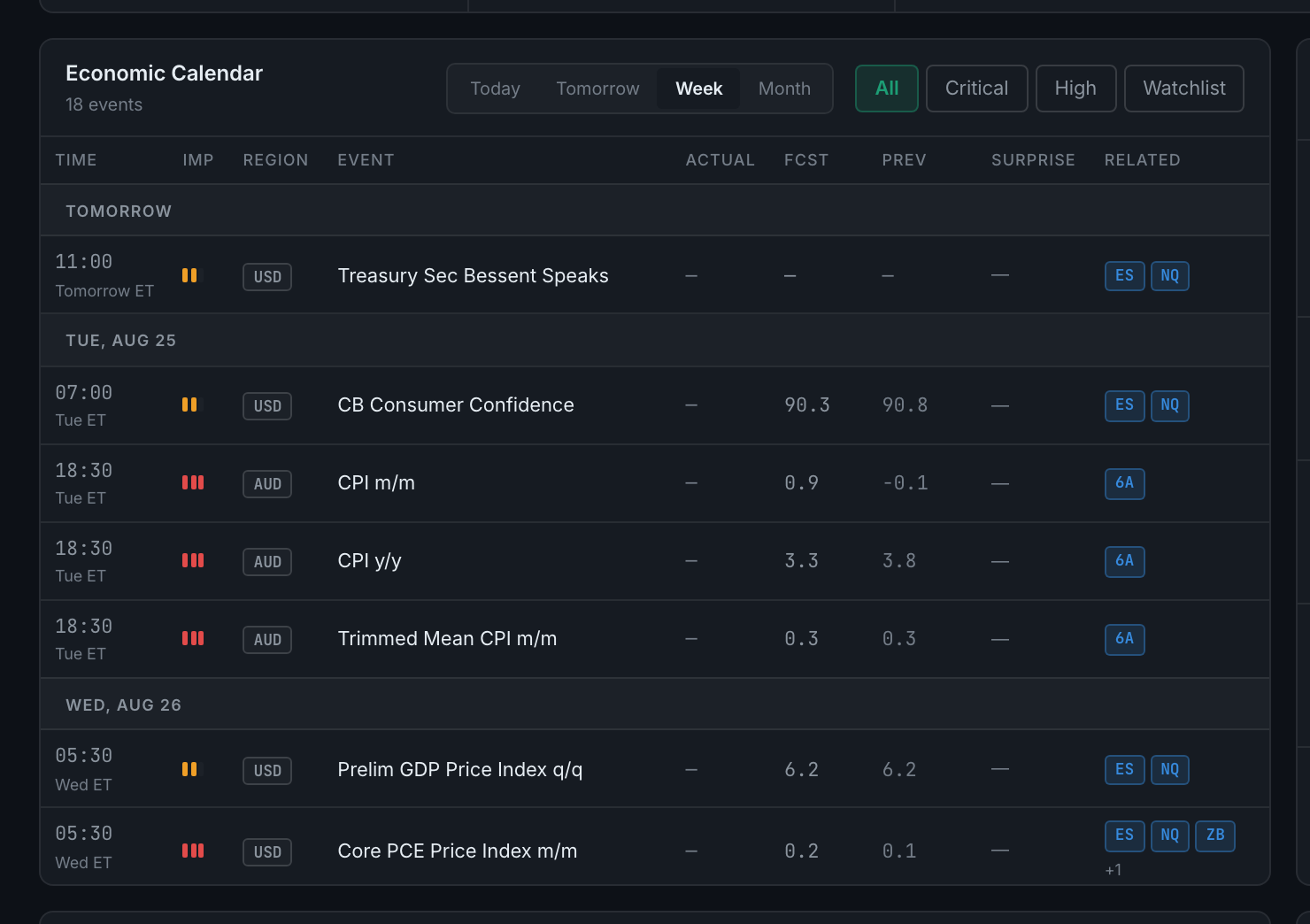
A panel opens with that event's detail and — the useful part — the trades you took around it in the past.
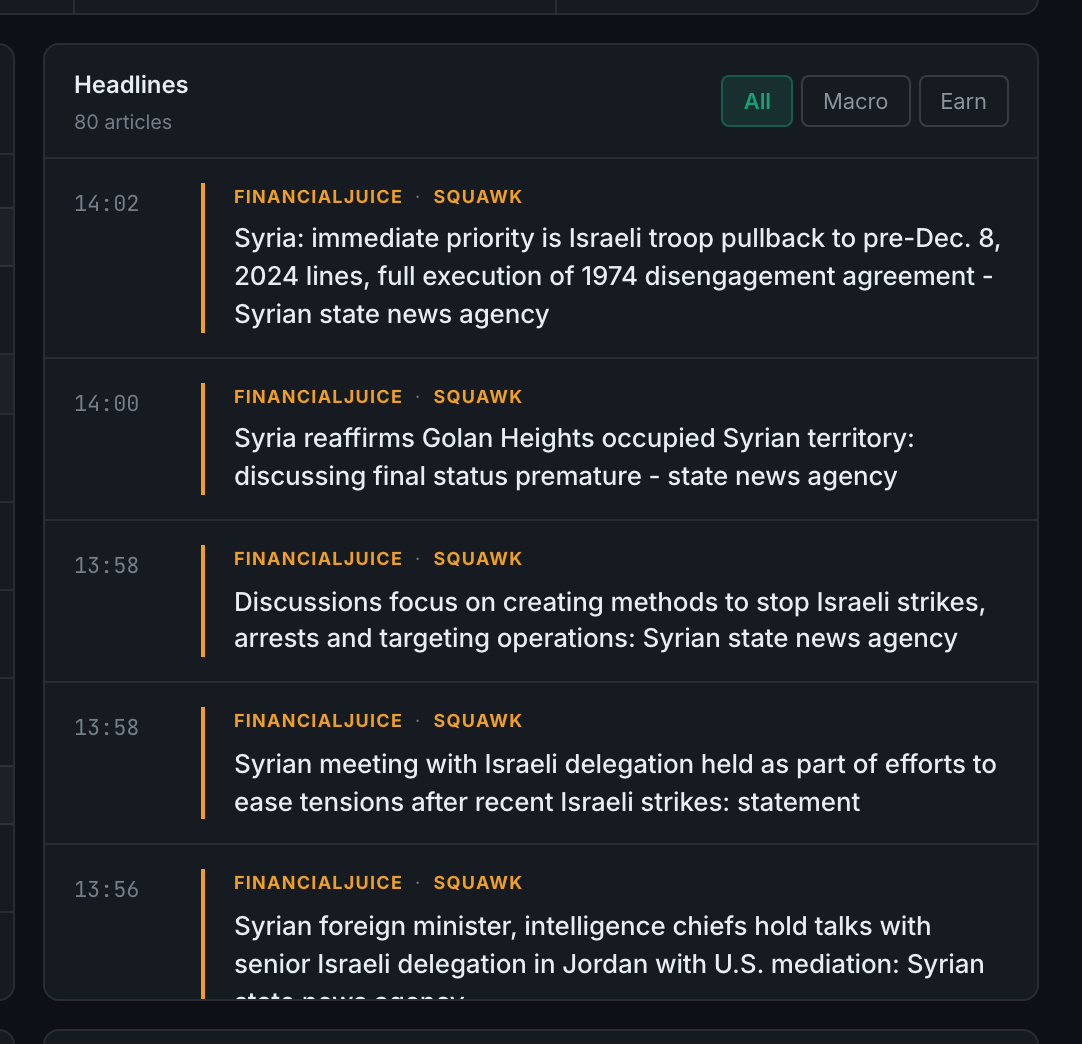
Read the full guideA live feed of market headlines, filterable to All, Macro or Earn, with each headline's source and how long ago it landed.
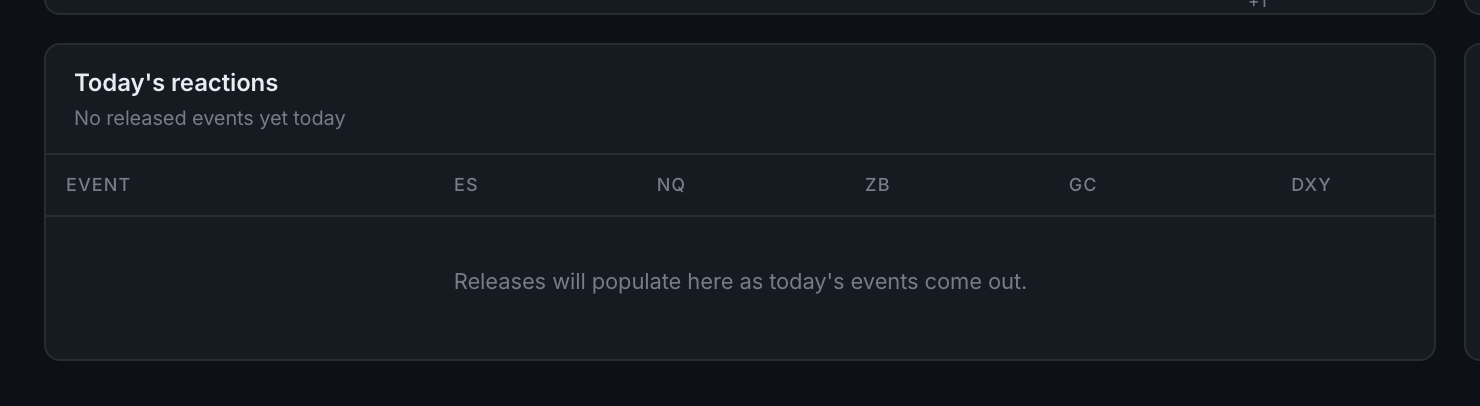
For each event that has already released today, what five instruments did in the fifteen minutes afterwards.
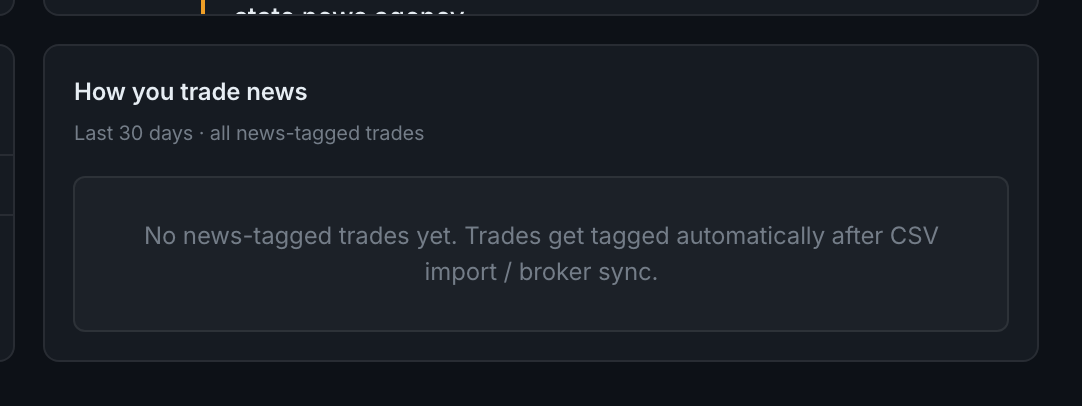
Your own record around news events — win rate, P&L and a breakdown by event type.
If the header says Finnhub key not configured and the calendar shows no events, the server-side news service is not switched on for your account. It is not something you can configure — contact support.
This page is about today. That sub-page is about your history. They read the same event data and should agree.
Read the full guide