How do I archive a Book?
From the Book row's overflow menu. Archived Books are tucked behind a disclosure rather than deleted, and their trades stay where they are.
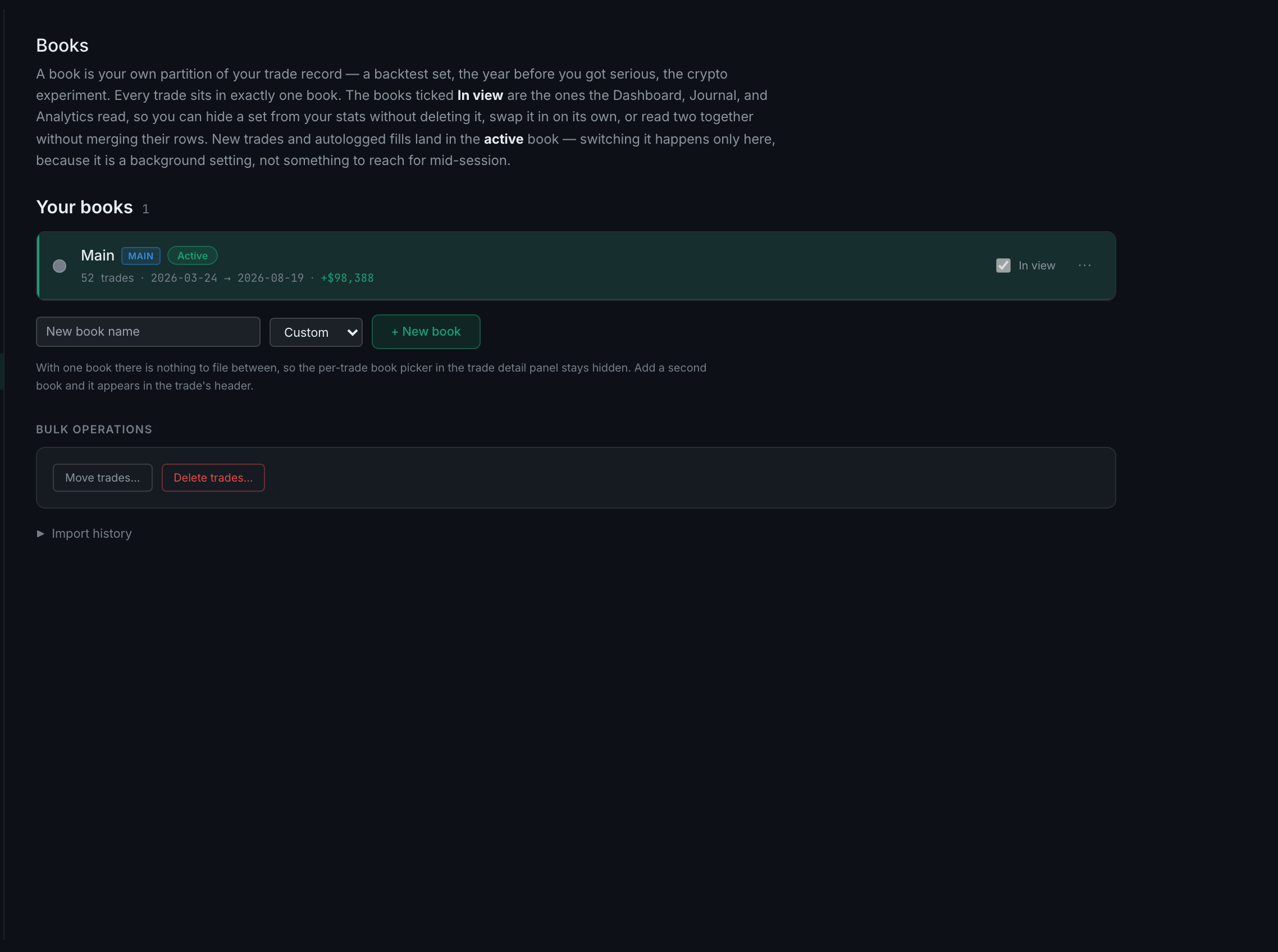
Each row carries one visible control — In view — and a ··· overflow menu for everything else. That layout is deliberate: an earlier version put nine controls on every row and they wrapped into an unreadable block.
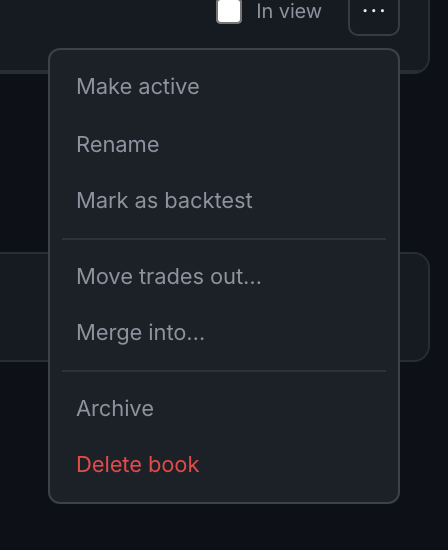
The menu holds Make active, Rename, Mark as backtest, Move trades out…, Merge into…, Archive and Delete book.
Archive is not offered on the book you are currently filing into. Open the menu on the active book and the first item reads Already active instead. Make another book active first, or archive a different one.
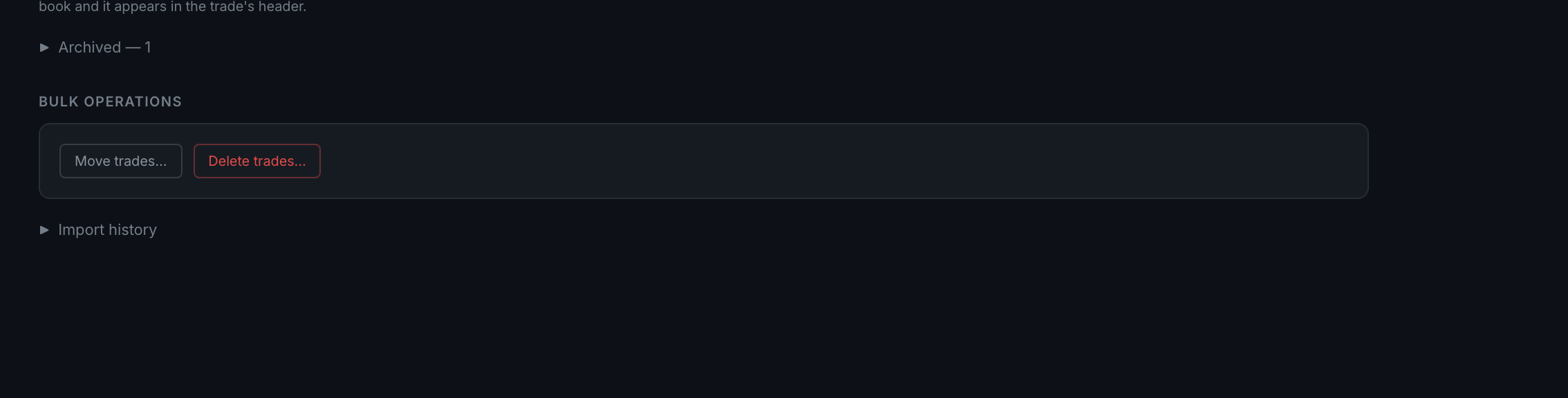
Archiving is the reversible option and the one you usually want. It takes a Book out of your way without touching a single trade — the archived book moves into an Archived disclosure below the list, which carries a count, and you can bring it back from there.
Deleting is not that. Before it runs, the panel counts the rows the delete will actually match — from the same filter, not from what happens to be loaded on screen — and shows you that number. A count that was only nearly right would be worse than no count at all.
You can also filter by where a trade came from: csv, autolog, manual, reconciled and mirror. That is how you pull out, say, everything a connector logged without touching what you typed yourself.