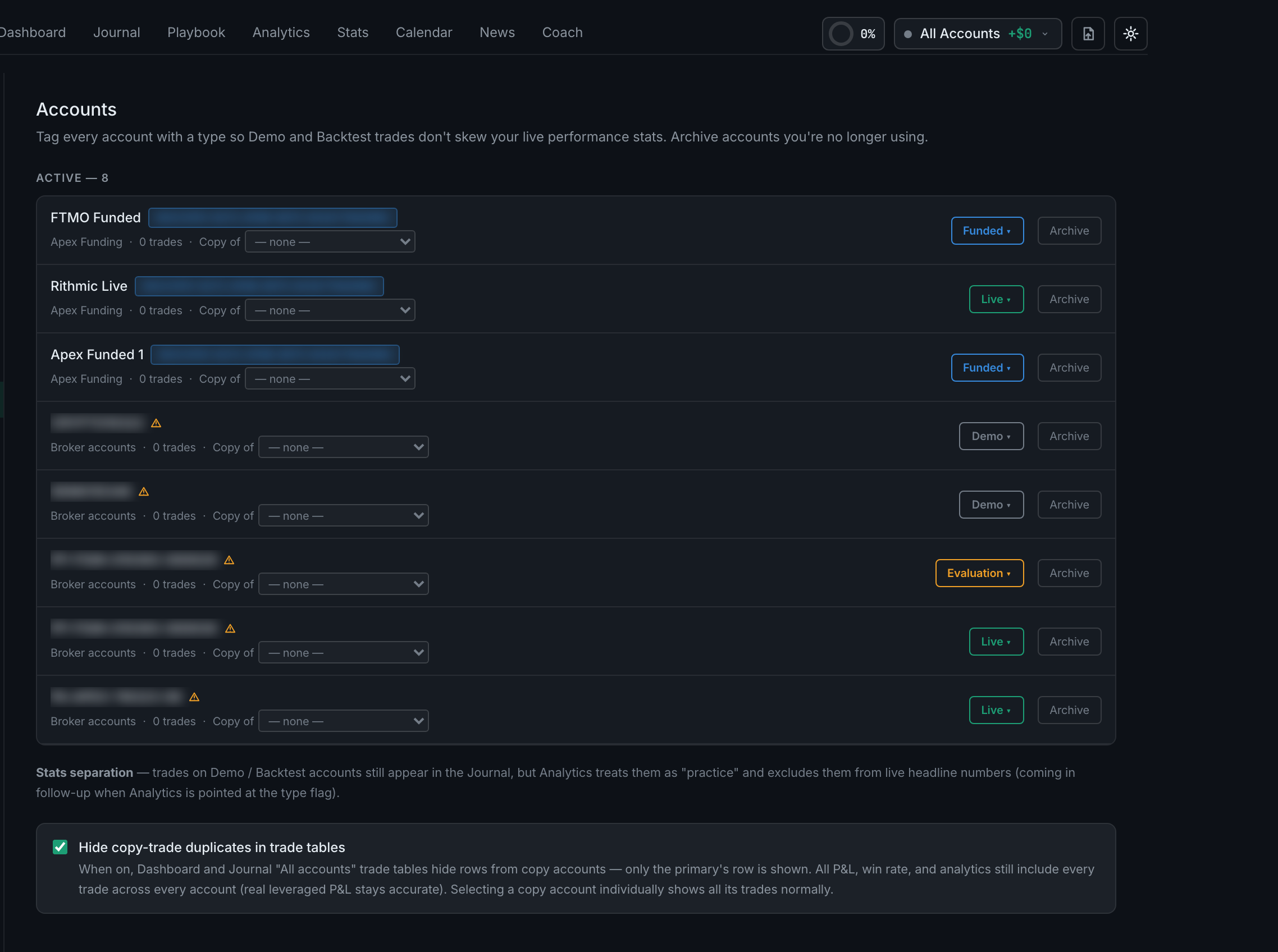
How do I archive or restore an account?
Archive from the account's row in Settings → Accounts; archived accounts move to their own list below, with a restore control. Accounts themselves come from a connected broker — you do not type one in here.
Archiving exists to keep the top-bar account switcher usable. A finished evaluation or a closed account is history you want to keep and stop scrolling past.
Nothing is deleted and no trades move. The account and everything in it stay exactly as they were, and restoring puts it back in the switcher.