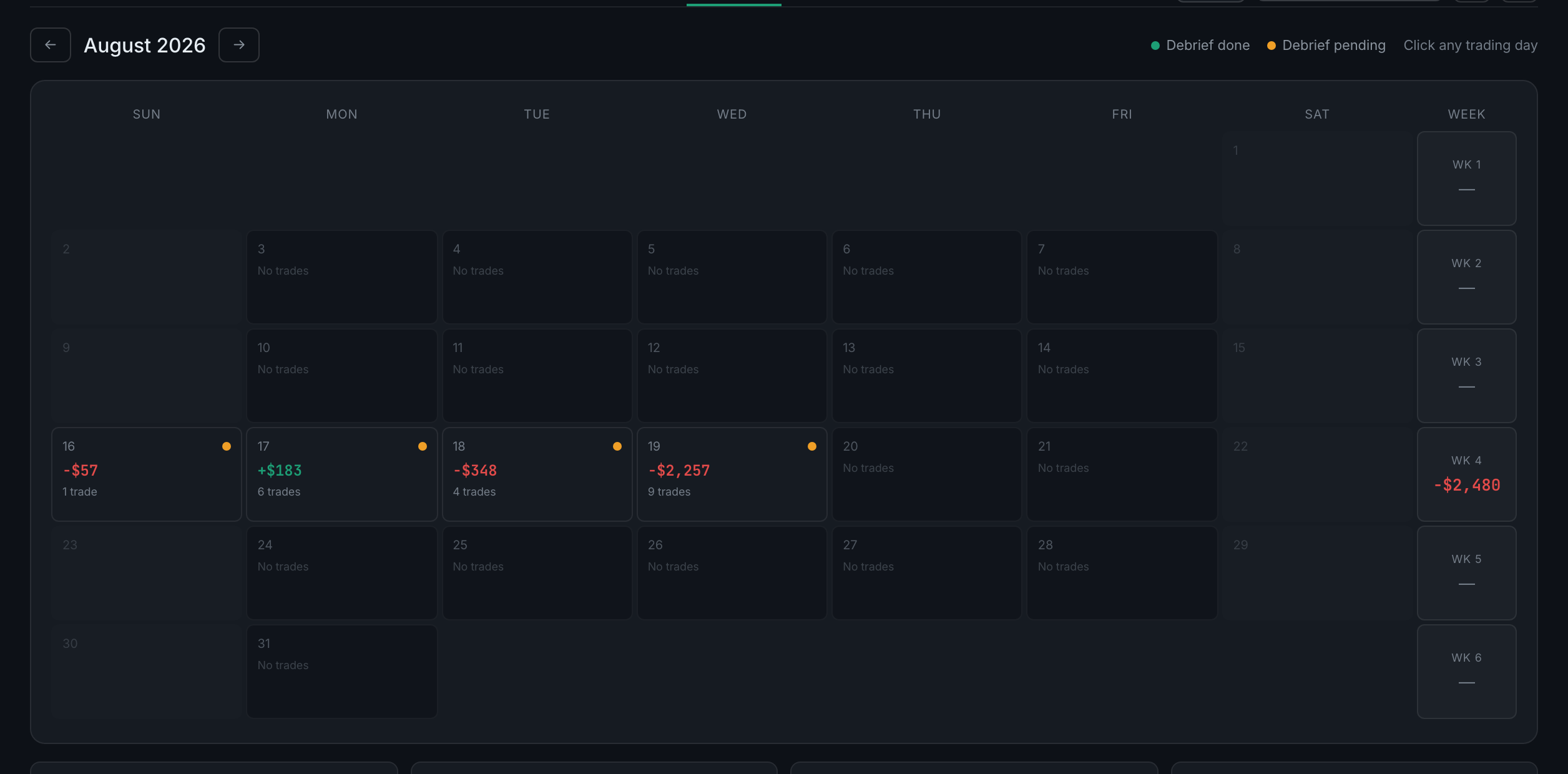
What does a day cell show me?
The date, that day's grade if you graded it, a dot for the debrief state, the day's net P&L, how many trades it held, and an amber R badge if any of them were random.
Read the full guideA month at a time, one cell per day, with that day's profit or loss on it. It is the smallest page in the app and the one most worth visiting daily, because it is also where the debrief lives — the pre-market prep, the report card and the per-trade notes that everything on the Psychology tab is built from.
Two jobs, and the second is the one people miss.
The first is the obvious one: seeing your month laid out. Which days were green, which weeks carried you, how many days you traded at all, and where the random trades clustered. A P&L curve tells you the same thing but a calendar tells you when, and when is usually the pattern.
The second is that clicking a day opens that day's debrief — three tabs holding your pre-market prep, your report card with its mental scores, and a note per trade. Nothing else in the app collects those. Analytics reads them, the Coach reads them, and the whole Psychology tab is built from them, but this page is where they are written.
No questions on this page match that. Search all 15 areas
The date, that day's grade if you graded it, a dot for the debrief state, the day's net P&L, how many trades it held, and an amber R badge if any of them were random.
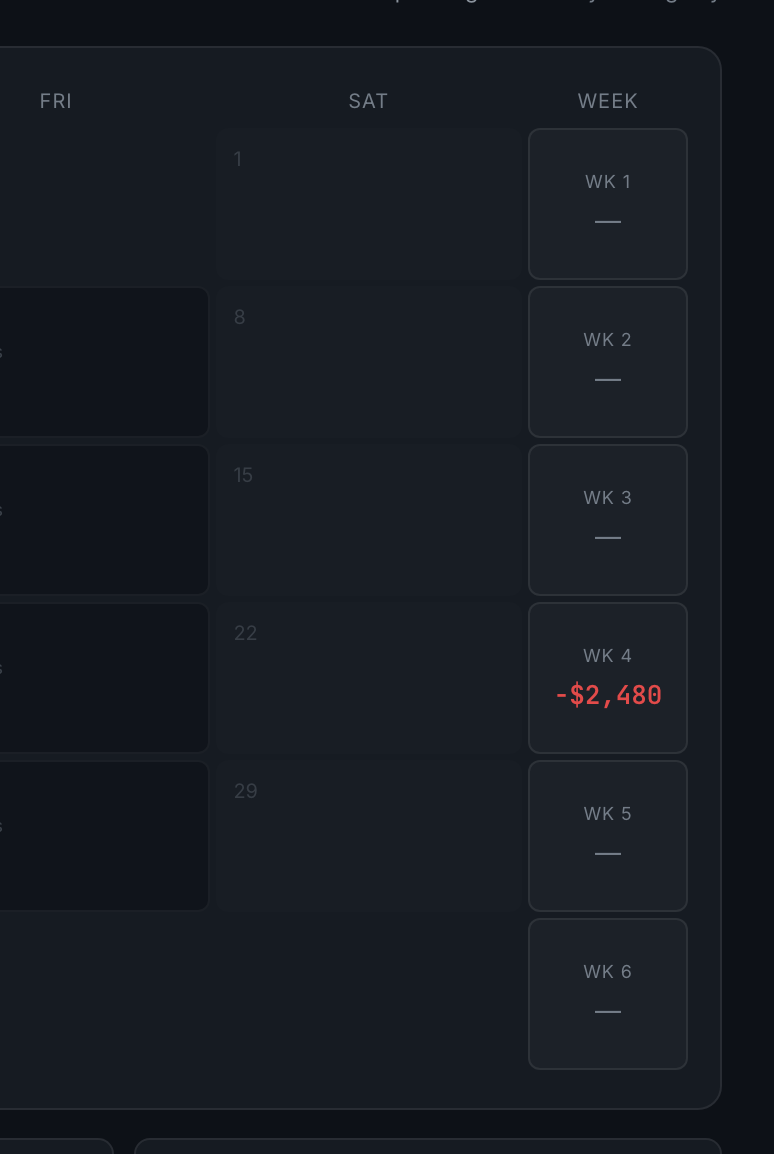
Read the full guideThe eighth column on the right. It totals each row of the grid, so you get weekly P&L without adding the days up yourself.
Month P&L, green days, debriefs done and random trades — the four numbers that say how the month went and how well you kept up with it.

The ← and → buttons either side of the month name. If you use voice, "next month", "previous month", "today" and "yesterday" all work.

The grid is replaced by that day: five figures across the top, a table of the day's trades, and the debrief panel underneath.
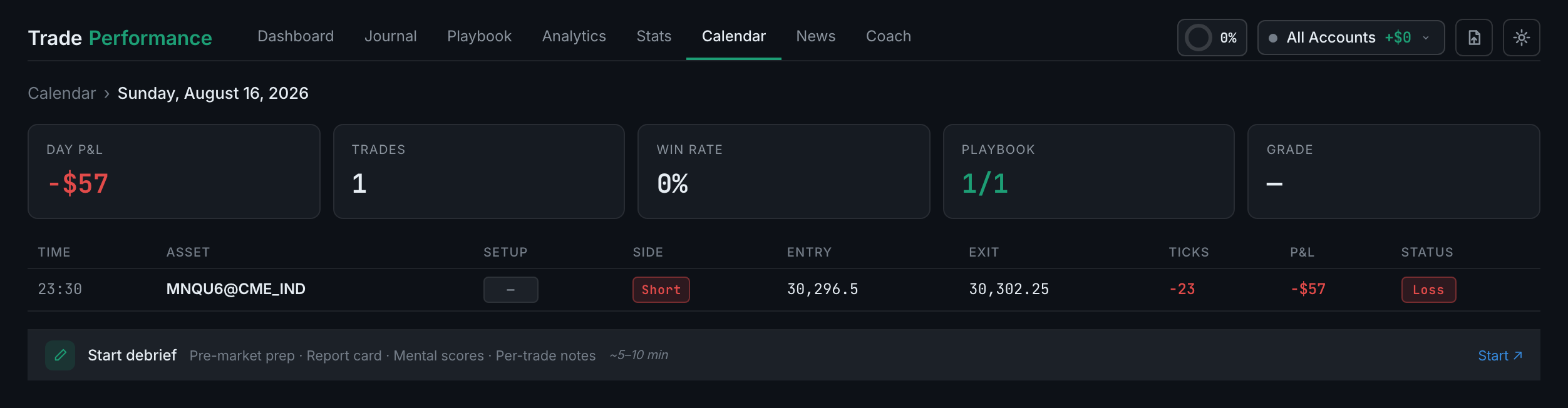
The day's written record, in three tabs: Pre-Market Prep, Report Card and Per-Trade Notes. It starts closed; opening it creates the day's debrief.
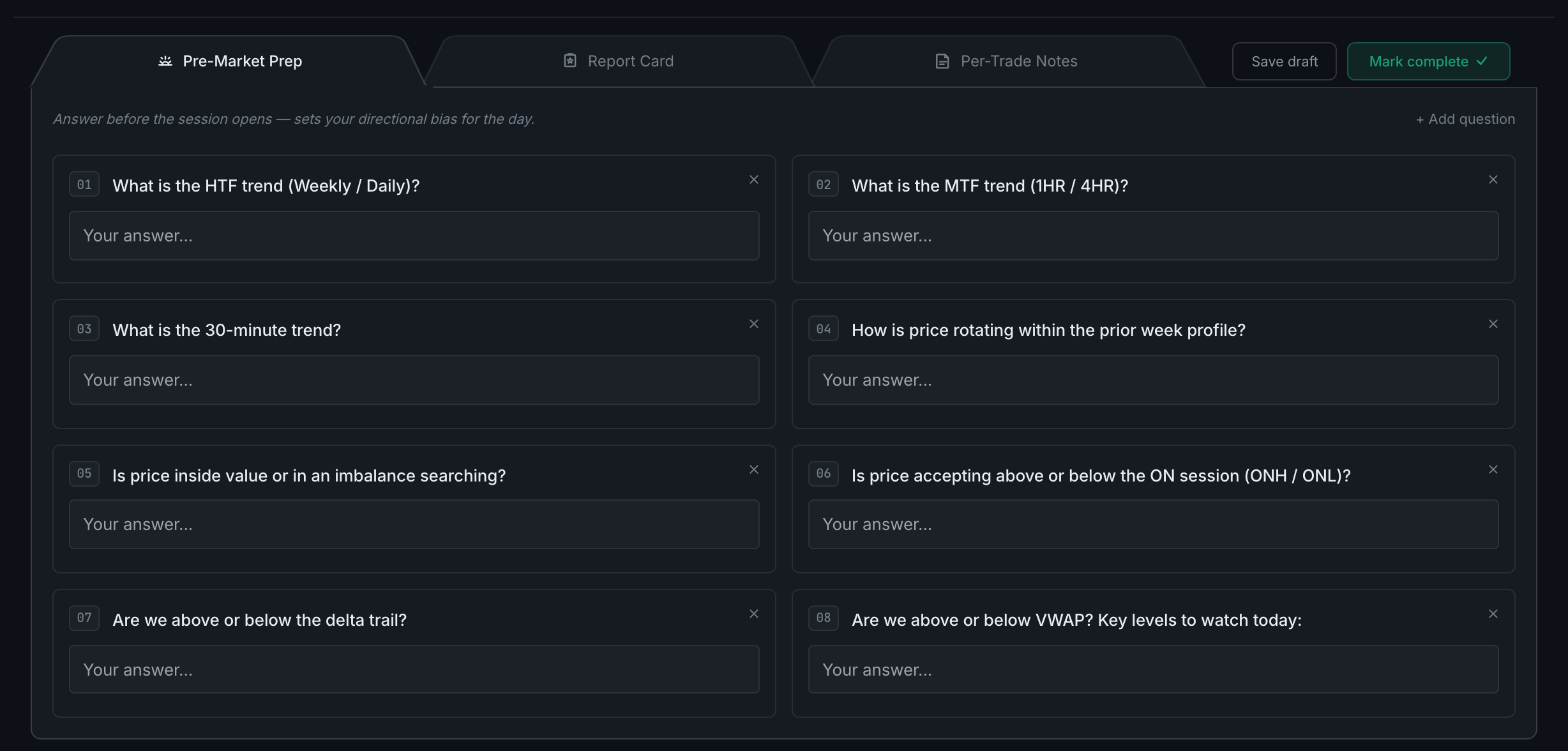
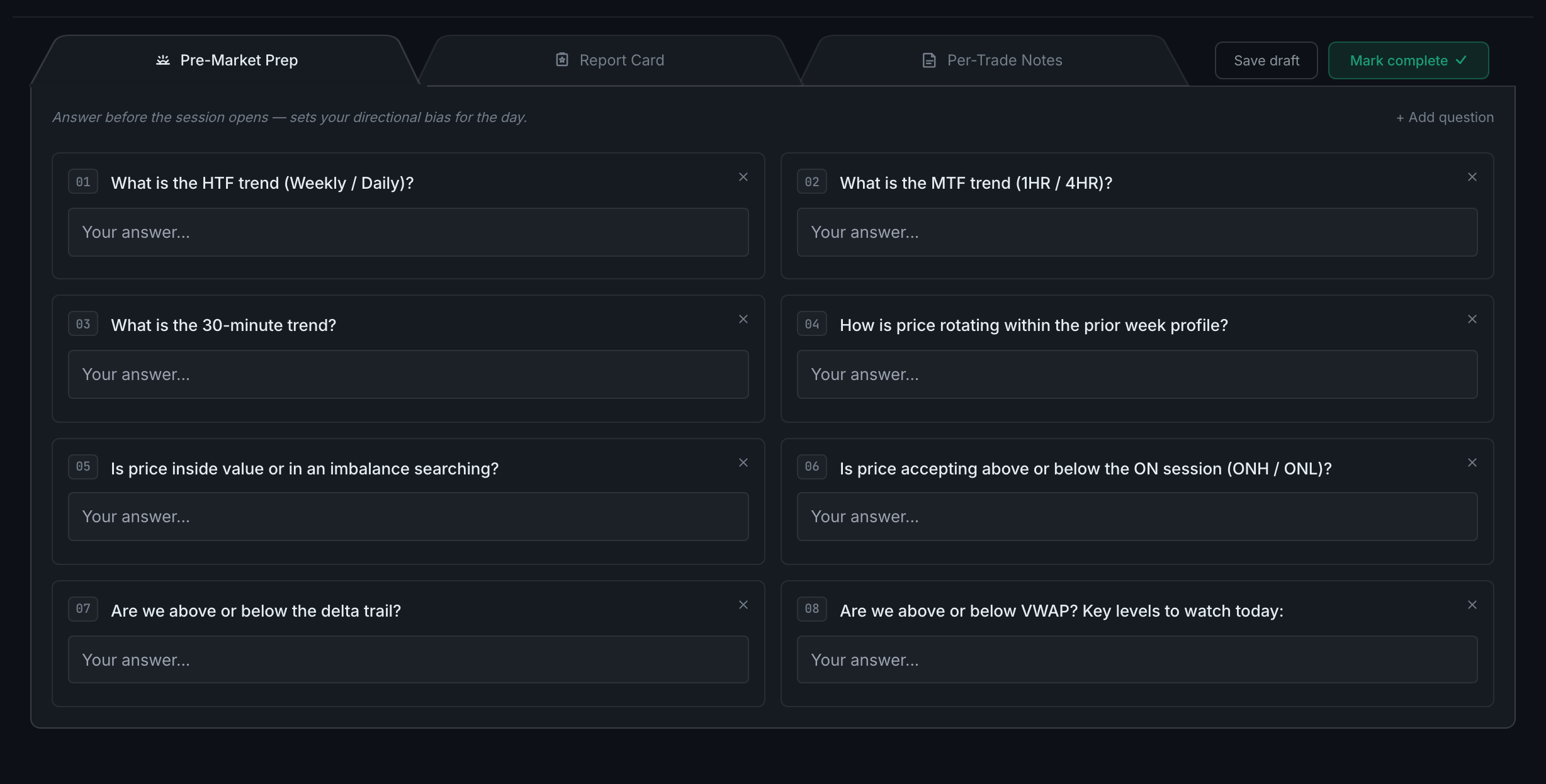
A list of questions about the market you answer before the session, plus a carried- over note of whatever you told yourself to change yesterday.
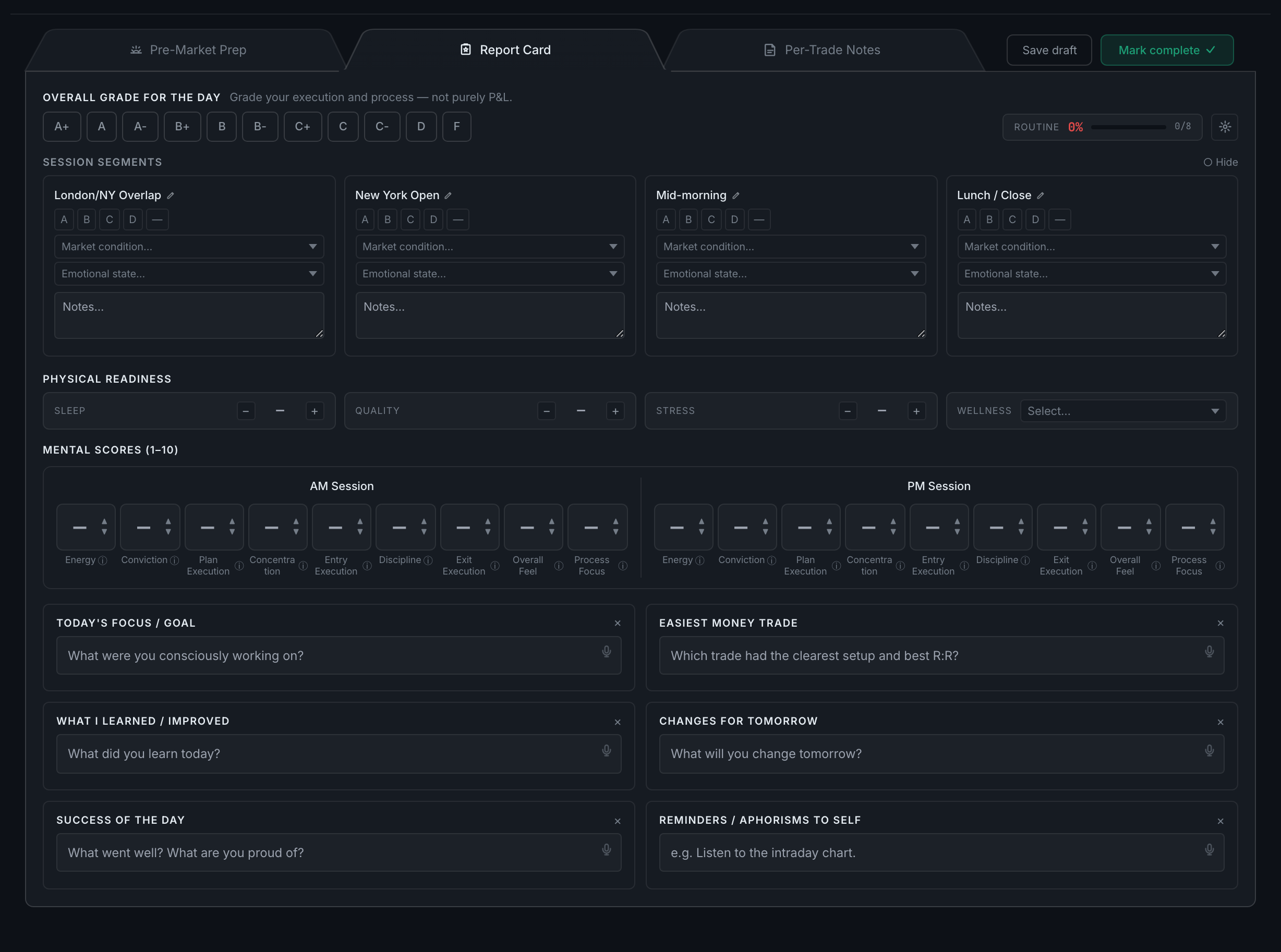
An overall letter grade for the day, nine mental scores out of ten — scored twice, once for your morning session and once for your afternoon — your physical readiness, the market conditions, and a set of written reflections. Those scores are what the entire Psychology tab in Analytics is built from.
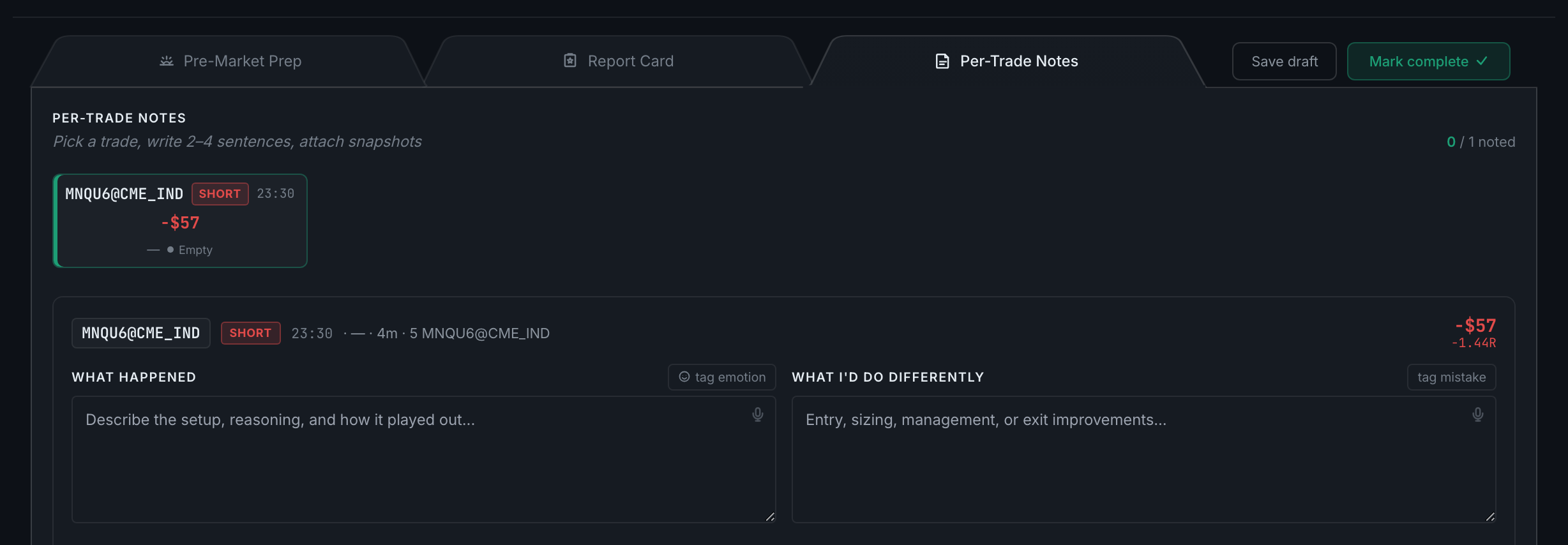
One block per trade taken that day, each with a note, an emotion, and any mistake types you want to tag.
Because it is built from report cards, and this page is where those are written. No debriefs, nothing to read.
Read the full guide