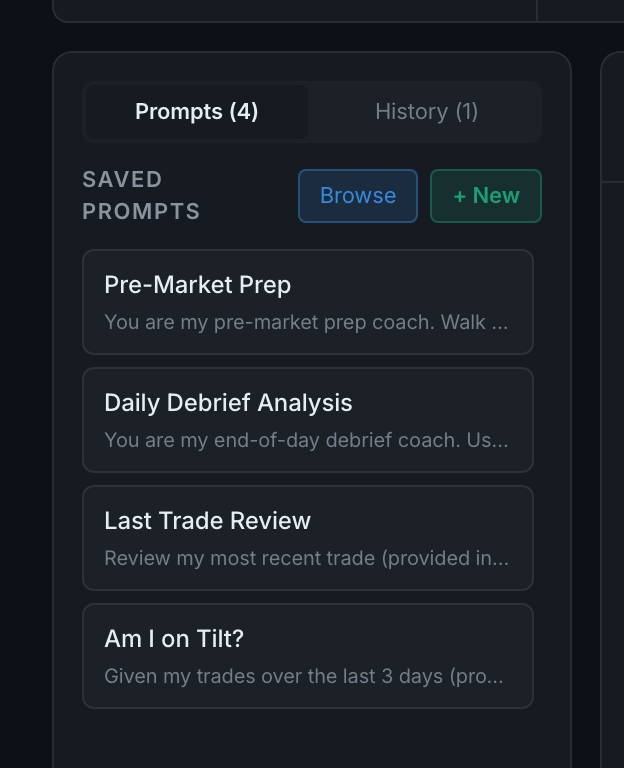
What are the saved prompts down the left?
Questions you have saved so you can re-ask them with one click. Click one and it fills the box and runs.
The left sidebar has two tabs — Prompts and History — with a count on each.
A saved prompt is just a question you expect to ask again: a morning routine question, a weekly review question, a "check me against my rules" question. Clicking one autofills and sends it. You can create them with + New, edit or delete them, pin the ones you use most to the top, and share one to the community.
Browse opens the community's shared prompts, which is the fastest way to start if you do not know what to ask yet.