Where do my old conversations go?
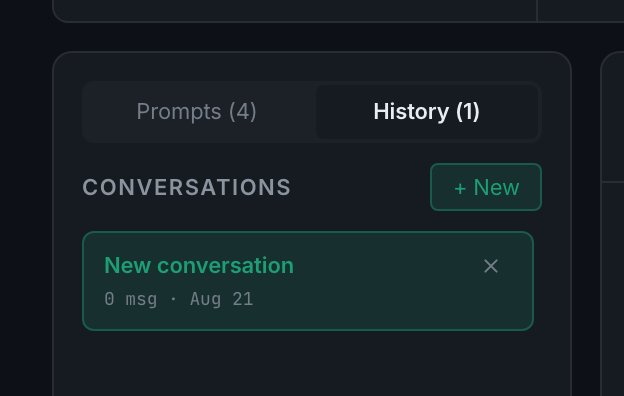
The History tab in the left sidebar. Starting a new conversation with + New keeps the current one rather than replacing it.
Every conversation is kept and titled, and the count on the History tab tells you how many there are. + New starts a fresh one and files the current one — nothing is lost by starting over, which is worth knowing because a long conversation that has wandered gives worse answers than a fresh one with a clear question.
Individual answers can be copied, downloaded, or shared to the community from the menu on the message itself.