What do I need for voice to work — browser, microphone, keys?
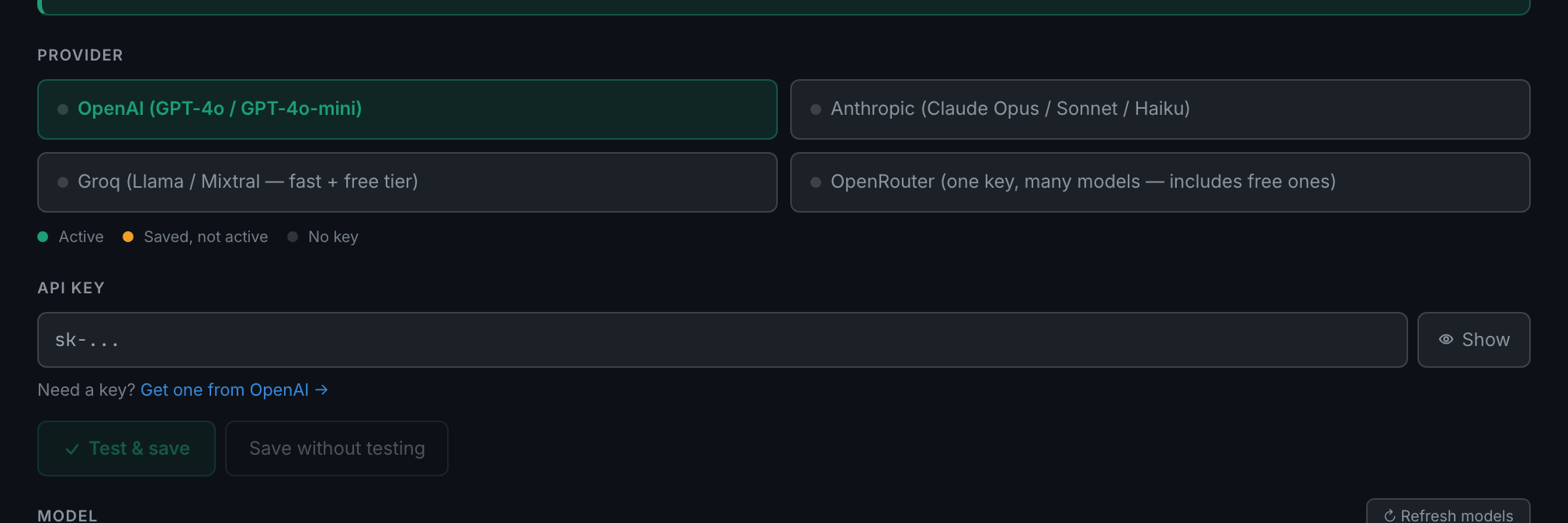
A supported browser, a microphone, and an API key — Groq or OpenAI. A Groq key is free, and that is the one to get. Turn voice on without a key and the app says so: Voice needs a Whisper key (Groq or OpenAI) — add one in Settings → AI.
This is the part worth reading before you try to set voice up, because it is the one thing that will stop you dead.
Transcription is bring your own key. Both of the app's voice engines send audio to Whisper on your own provider account, so with no key saved neither one starts — you get the error above and nothing else happens. The app deliberately does not fall back to the browser's built-in speech recognition.
Which key you have decides the quality:
- A Groq keyWhisper
whisper-large-v3-turboon Groq's free tier. Preferred whenever a Groq key exists, because it costs nothing and it is good. If you only add one key, add this one. - An OpenAI key
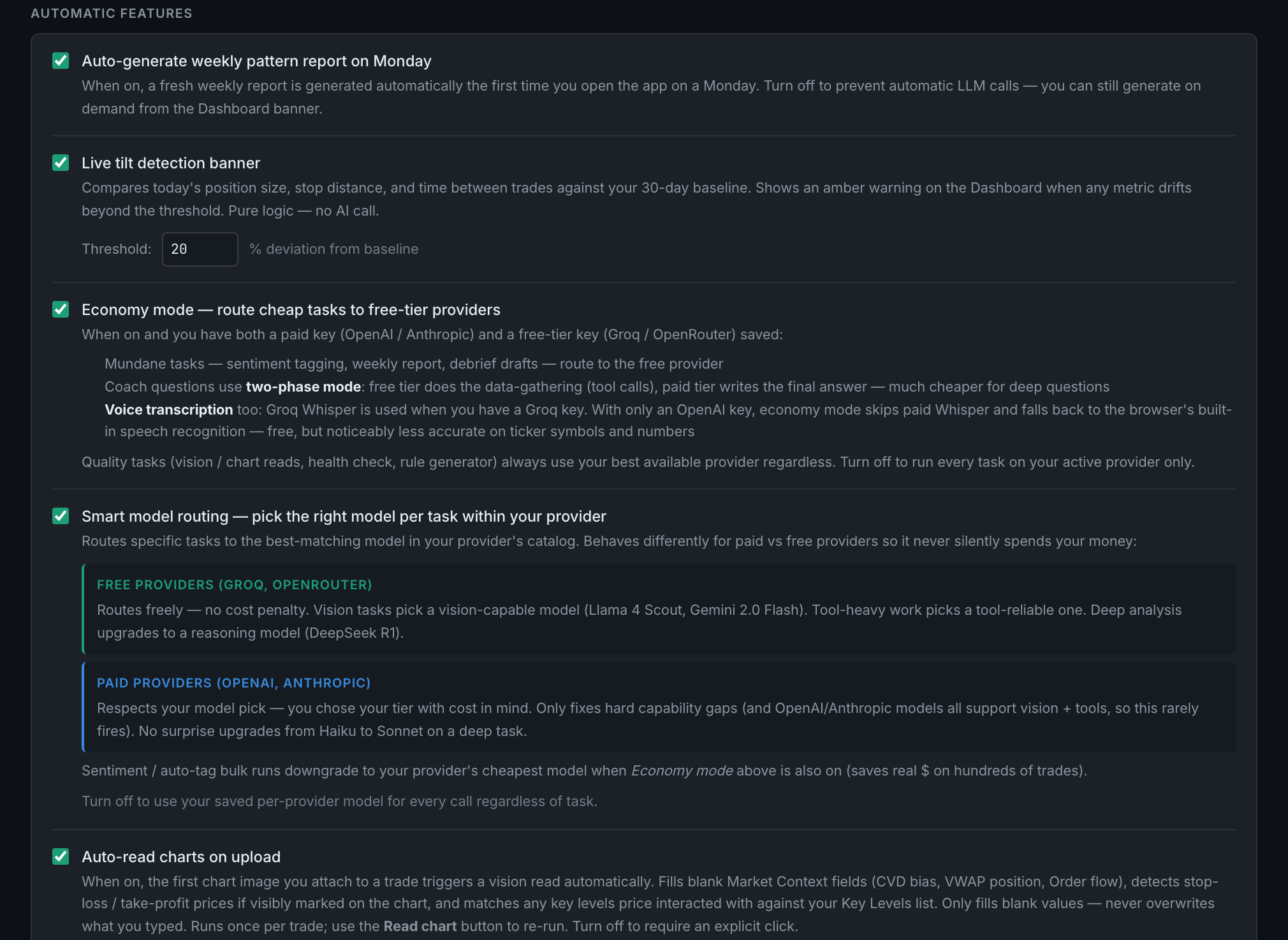
gpt-4o-transcribe, the most accurate on prices, contract sizes and ticker symbols. It is paid, so the app only routes to it when Economy mode is switched off under Settings → AI. One exception: number fields and structured voice forms opt into OpenAI on their own when you have a key, because those are exactly where a misheard digit costs you.
There is a browser-speech route in the app, but it belongs to the older V1 engine, which is off by default and only reachable through the voice test panel. Treat a key as required.
If Groq rate-limits you mid-session, the app fails over to OpenAI when you have that key.
Both keys are added in the same place, and it is the same field the Coach uses — if you have already set the Coach up, voice is already working. One key covers both.
On browsers: anything that can record from a microphone, which today means every current browser — Chrome, Edge, Safari and Firefox included. The transcription engine is Whisper, which needs only the browser's recorder, so there is no browser-specific gate on the voice panel.
On microphones: any input the browser can see. You will be asked for microphone permission the first time, and the app cannot list your devices by name until you have granted it once.
Hover the top bar pill and it names the route you are actually on, so you never have to guess which one you got.