What is a Deep Research report?
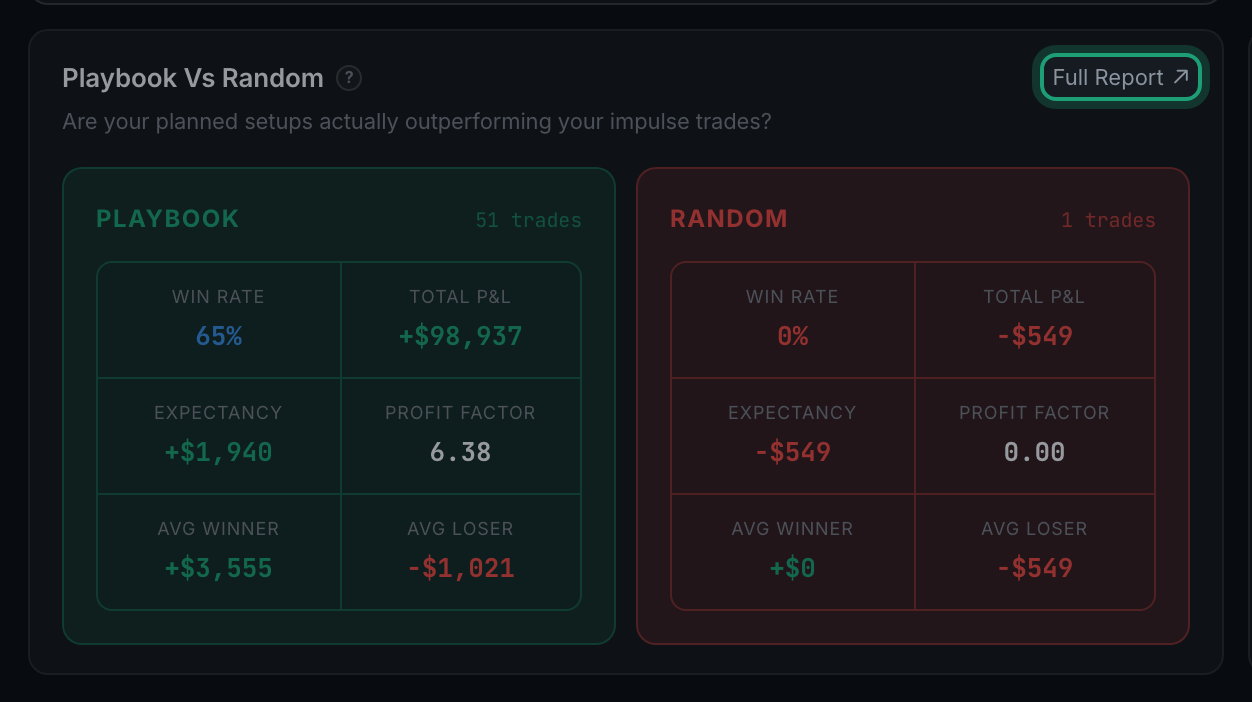
Almost every panel in Analytics has a small Full Report ↗ in its top-right corner. It opens the same numbers again, but worked all the way through — the full table, a plain-language verdict, and the reasoning behind the reading.
The panel on the page is the summary. The report behind it is the argument.
A panel has to fit on a page next to a dozen others, so it shows you the headline and a chart. That is enough to notice something and not enough to act on it. The report opens as a panel over the dimmed page, and shows the rest: every row of the table rather than the top five, the gaps stated as numbers instead of left for you to eyeball, a verdict that says what the figures mean, and short research notes explaining why the metric is worth trusting.
It is called Deep Research in the report's own title bar — "Playbook vs Random — Deep Research" — but the button that opens it reads Full Report. Look for the small arrow rather than the word; in tight corners, such as the Performance Score on the Overview Scorecard, the label is dropped and only the ↗ remains.
- Nothing is computed differently. The report is the same trades under the same filters as the panel you opened it from. Narrow the filters and reopen it and the report narrows.
- Nothing is written. These are read-only. Opening one, reading it and closing it changes nothing about your trades.
- To close it, press Close × in its title bar, or click the dimmed area outside it. Escape does not close these particular reports.