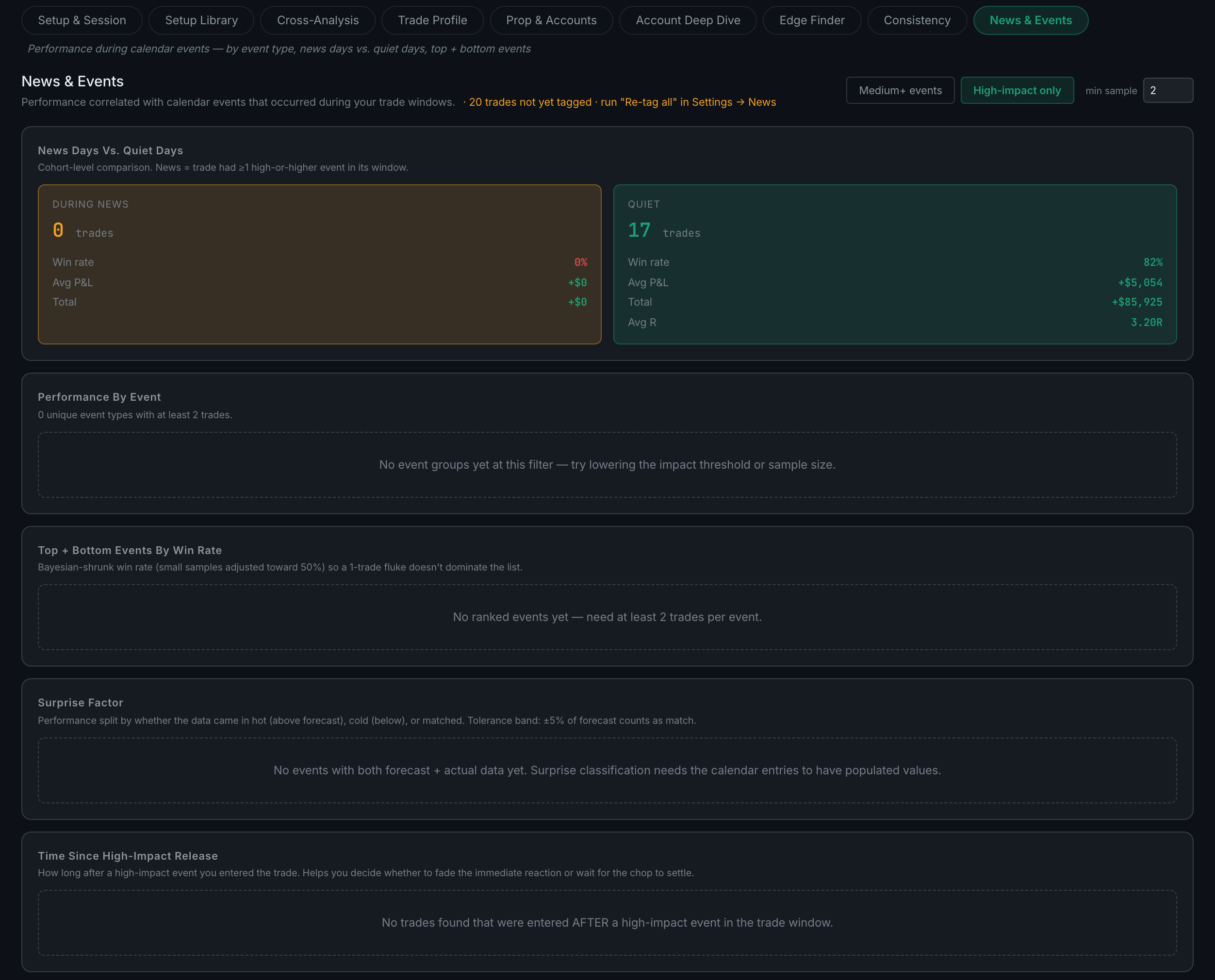
What is on the News & Events sub-page?
How you trade around scheduled economic events — news days against quiet days, your best and worst event types, whether the surprise direction mattered, and how long after a release you entered.
Economic events are just another dimension your edge can be measured along, which is why this sits in Edge rather than in a news section of its own. The trades are matched to events that fell in their window, and then cut five ways.
Indicators on this sub-page:
- News Days vs. Quiet DaysA straight cohort comparison. A "news" trade is one with at least one event at or above the impact level you selected in its window.
- Performance by EventEach event type you have traded through, with win rate and average P&L.
- Top + Bottom Events by Win RateBest and worst, ranked using a Bayesian-shrunk win rate so a single lucky trade cannot top the table.
- Surprise FactorResults split by whether the number came in above forecast, below, or matched. Anything within 5% of forecast counts as a match.
- Time Since High-Impact ReleaseHow long after the release you entered, bucketed. This is the panel that answers whether you should be fading the first move or waiting for the chop to settle.
Two controls at the top set the bar: an impact level — High-impact only, which is the default, or Medium+ events — and a minimum sample size per event, which starts at two. Both choices are remembered and mirrored across your devices, so this sub-page opens the way you left it. With too few trades per event the ranked lists say so rather than ranking noise: "No ranked events yet — need at least 2 trades per event."
Only trades carrying news context are counted, so this sub-page stays empty until events have been matched to your trades. When some are not, the header says so and tells you the fix — "20 trades not yet tagged · run Re-tag all in Settings → News". Do that, and the five panels fill in.