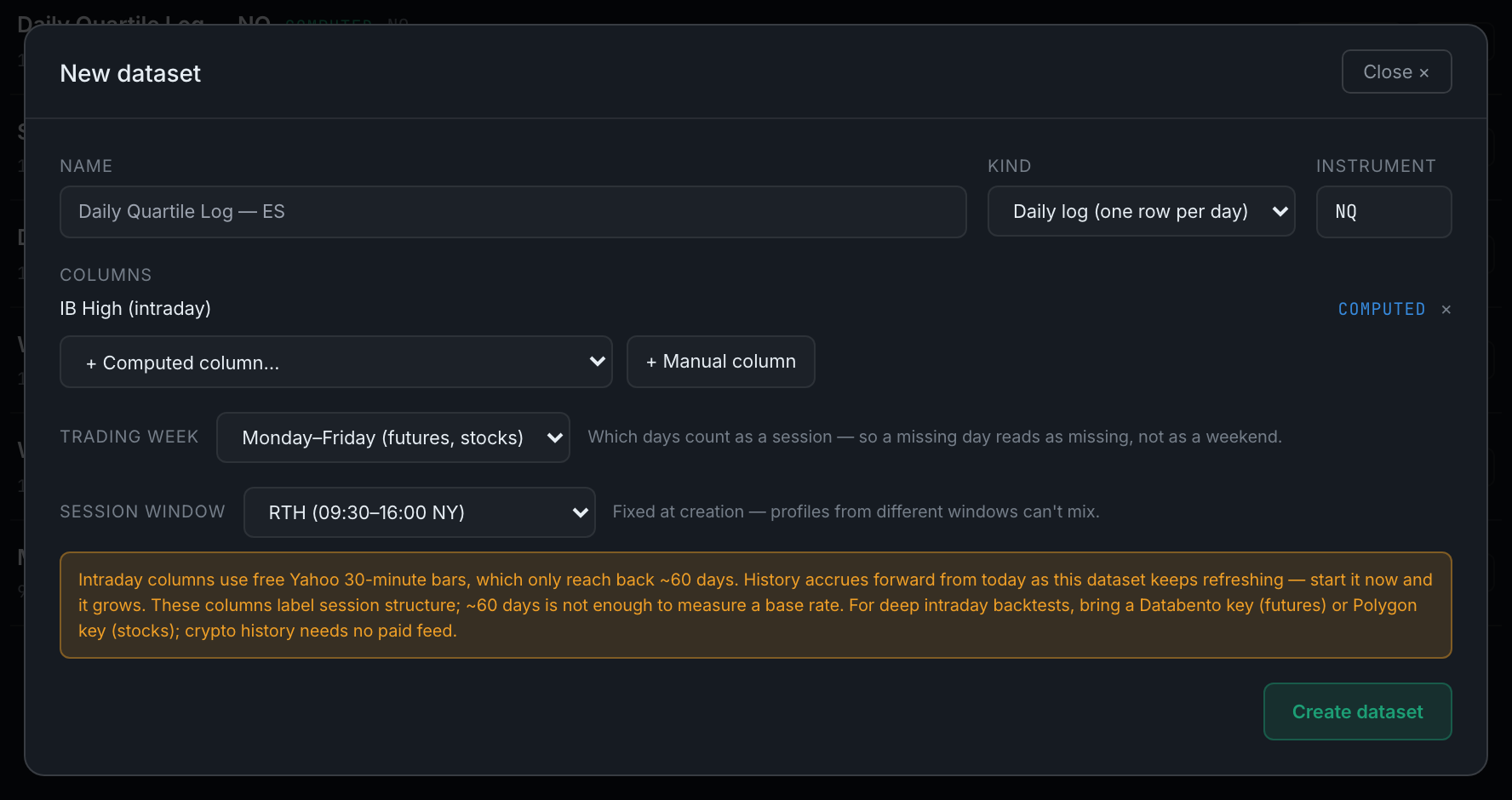
What are the trading week and session window settings?
Two statements about the instrument that stop the app misreading its own data. Trading week says which days count as a session; session window says which hours an intraday column should measure.
Both appear in the New dataset modal only when they are relevant, and both matter more than they look.
Trading week appears as soon as the dataset has a computed column. It has two settings — Monday–Friday (futures, stocks) and Every day (24/7 — crypto) — and it decides what "missing a day" means. Get it wrong in the crypto direction and a dataset that has not updated since Friday reads as perfectly current every Monday morning, because the app thinks the weekend was never supposed to be there. The app guesses from the ticker, but it is stated explicitly on the dataset because no symbol list is ever complete.
Session window appears only if you add an intraday computed column — the Market Profile family. It has three settings: RTH (09:30–16:00 NY), Overnight (18:00–09:30 NY) and Full 24h. It is fixed when the dataset is created and cannot be changed afterwards, because profiles built on different windows are not comparable and a dataset holding both would be quietly wrong.
Adding an intraday column also raises a warning worth reading rather than clicking past. Intraday columns are built from free 30-minute bars, which only reach back about 60 days. That is enough to label what a session's structure was; it is nowhere near enough to measure a base rate from. The history grows forward from the day you start, so starting the dataset now is the useful move — but do not read a rate off sixty days and act on it.