How do I re-enroll from scratch?
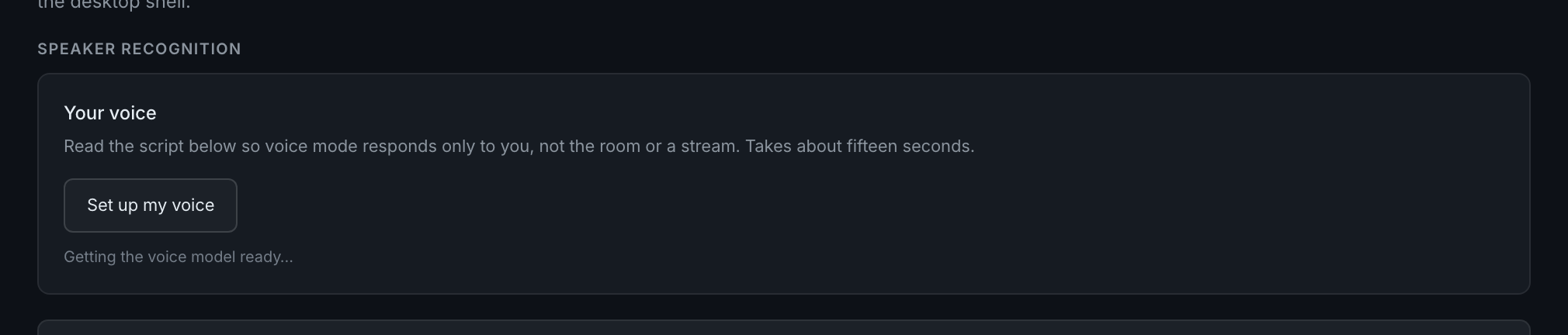
Press Re-enroll on the "Your voice" card and read the script again. It replaces your old voiceprint.
Once you are enrolled the card's button changes from Set up my voice to Re-enroll, and it reports what you currently have — how many samples and how many seconds.
Re-enrolling overwrites the stored print rather than adding to it, on your account, for every device. There is no second slot and no undo, so do it when you actually mean to: after a microphone change, after the card flags an older model, or after a bad first attempt.
Do it in the conditions you normally trade in. An enrollment recorded in unusual quiet will gate badly against your real desk.