TradePerformance

Community

Three things live under this heading, and they are only related in that none of them is the journal itself: what you can publish to other traders and take from them, what the desktop companion adds on top of the browser, and how to get help or get your data out.

Sharing and browsing

What can I share to the community, and what stays private?

Three kinds of thing — a playbook setup, a pre-market template, and a Coach prompt. What gets published is the definition in each case. Your trades, your P&L and your statistics are never part of it.
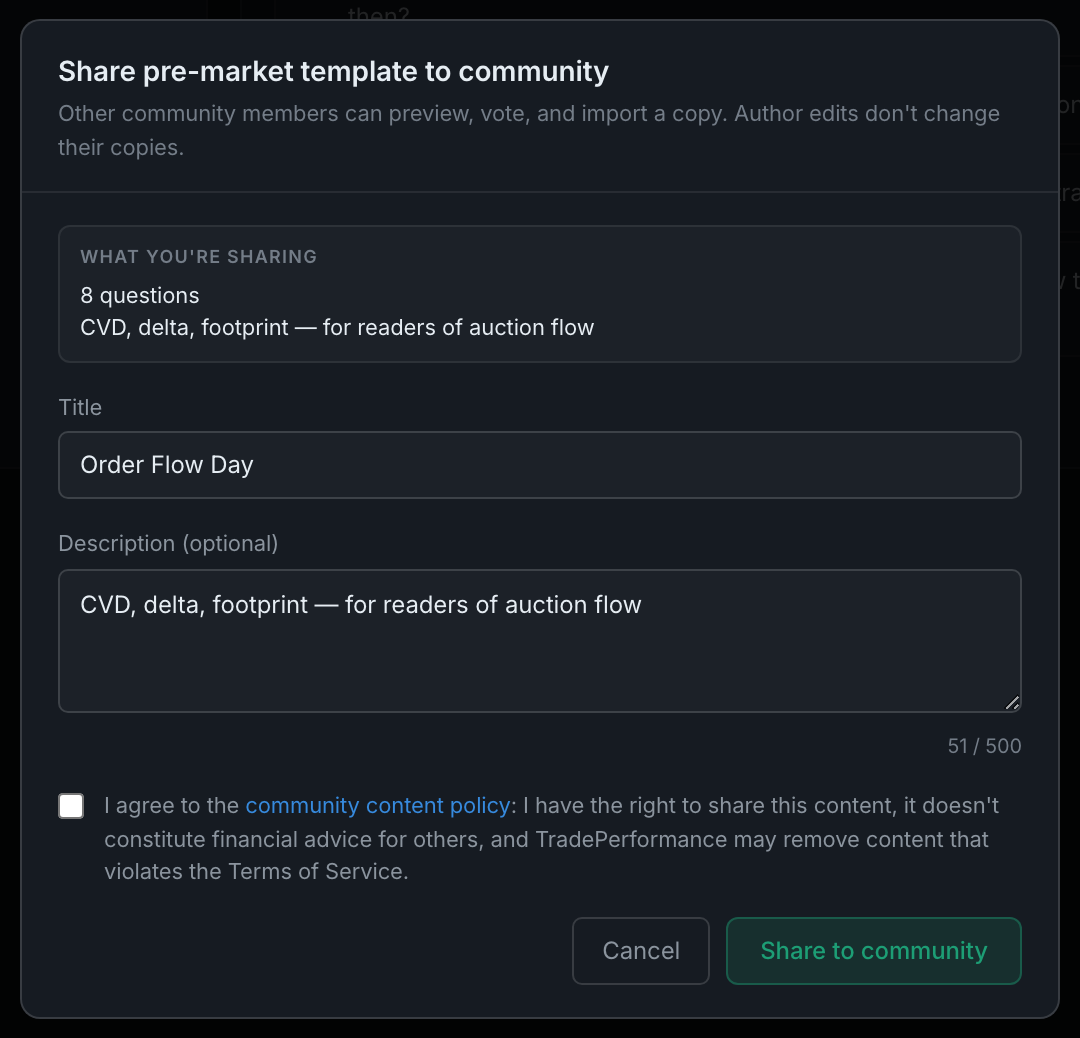
the share dialog: its warning that author edits don't change other people's copies, the WHAT YOU'RE SHARING preview, and the policy box that unlocks the Share button
Read the full guide
What kinds of things can I browse from other traders?

The same three kinds, each from where you would use it. Setups from the Playbook, pre-market templates from Settings → Pre-market templates → Browse community, and Coach prompts from the Coach.

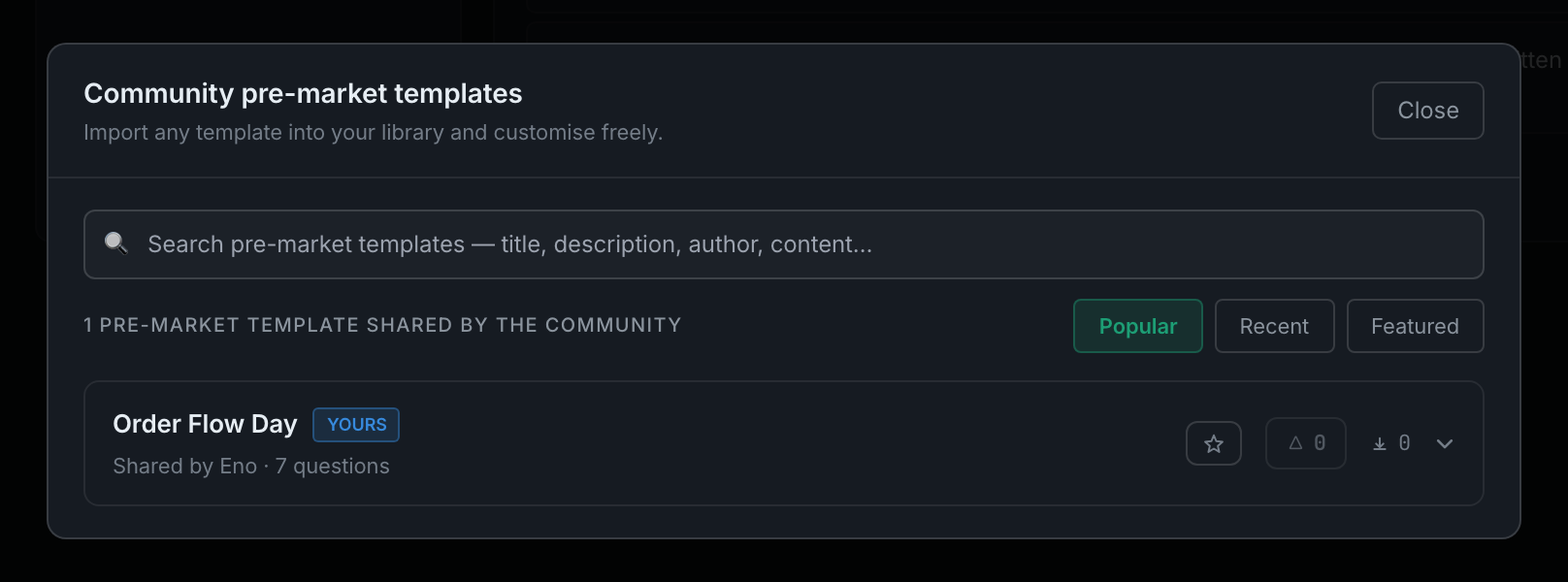
the community browser as it appears for pre-market templates: search, the Popular / Recent / Featured tabs, and a shared item row
Read the full guide
How is community content moderated?

By reporting, with an automatic circuit breaker. Anyone can report an item, and when an item collects three open reports it is hidden automatically, before a human looks at it. An admin then decides whether to restore it or confirm the removal.

a shared item's row, where the star, the counts and the report control sit
Read the full guide

The desktop companion

Is the desktop companion included in my license?

Yes. It is the same licence and the same account — one download per machine, sign in, and your journal is already there. It ships in the same release as the web app, not as a separate purchase.

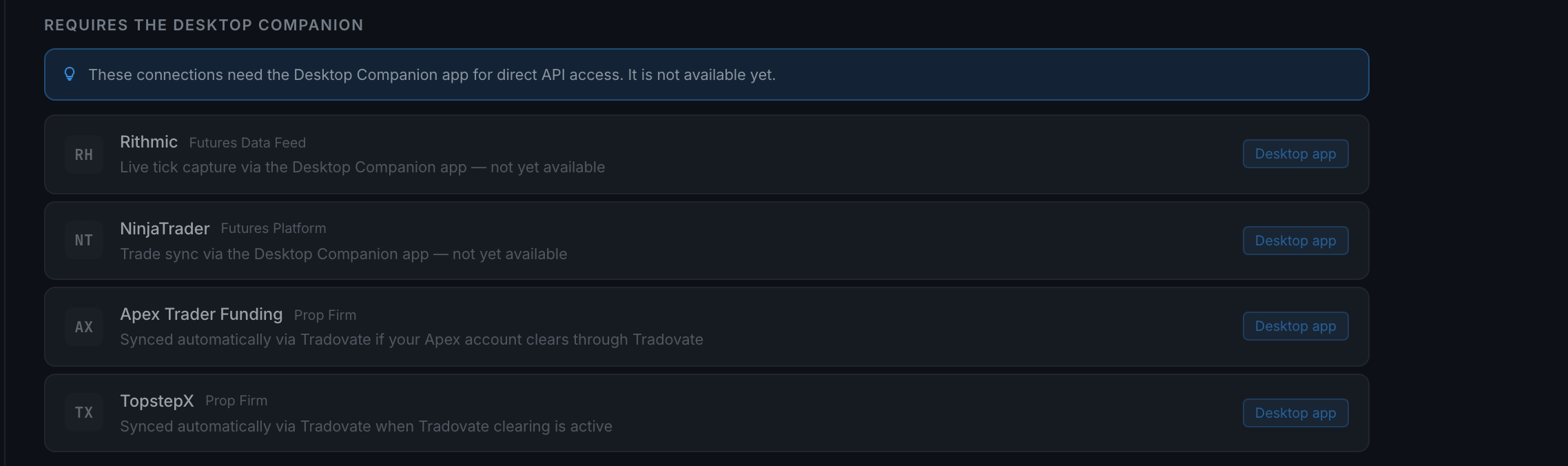
the connections that wait on the desktop companion, each marked in place rather than hidden
Read the full guide
What does the desktop companion do that the web app can't?

Four things, and they all come from the same root cause: a browser tab cannot see outside itself and stops existing when you close it. The desktop app can take screenshots of your trading platform, record video, receive a live market feed, and keep working with the browser shut.

the auto-capture toggle, greyed in a browser with the note that it needs the desktop shell
Read the full guide
Do I need the desktop companion to use the indicator?

No. The platform connector is an add-in that runs inside your trading platform, on your own machine, and posts each fill straight to your journal. It has nothing to do with the desktop app and does not need it installed.

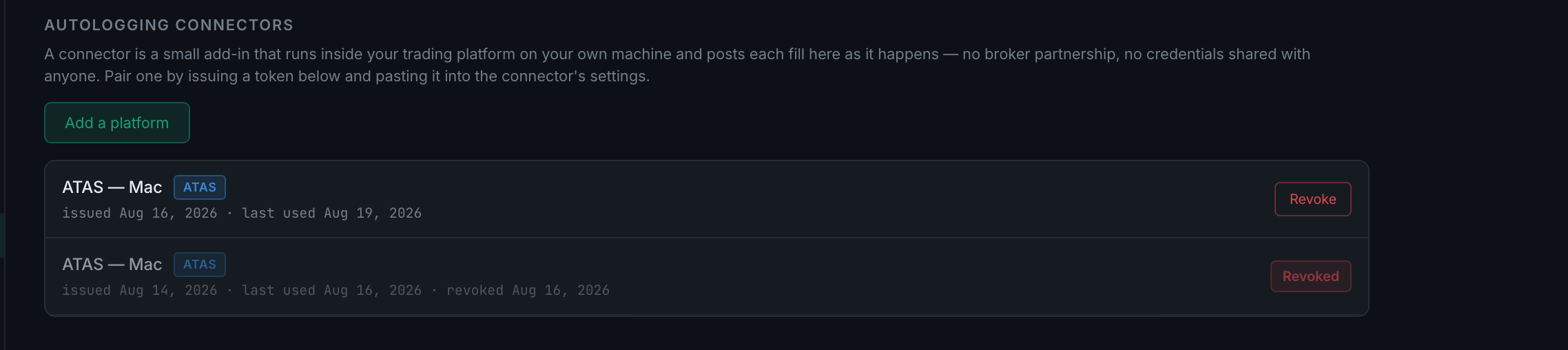
the connector panel: what a connector is, and the token that pairs one
Read the full guide
Can I use the app on Mac and Windows?

The web app works in any modern browser on either, today. The desktop companion is built for both — macOS on Apple silicon, macOS on Intel, and 64-bit Windows 10 and 11 — but at the time of writing all three are listed as Available at launch rather than downloadable.

Read the full guide

Support and your data

How do I report a problem or get support?

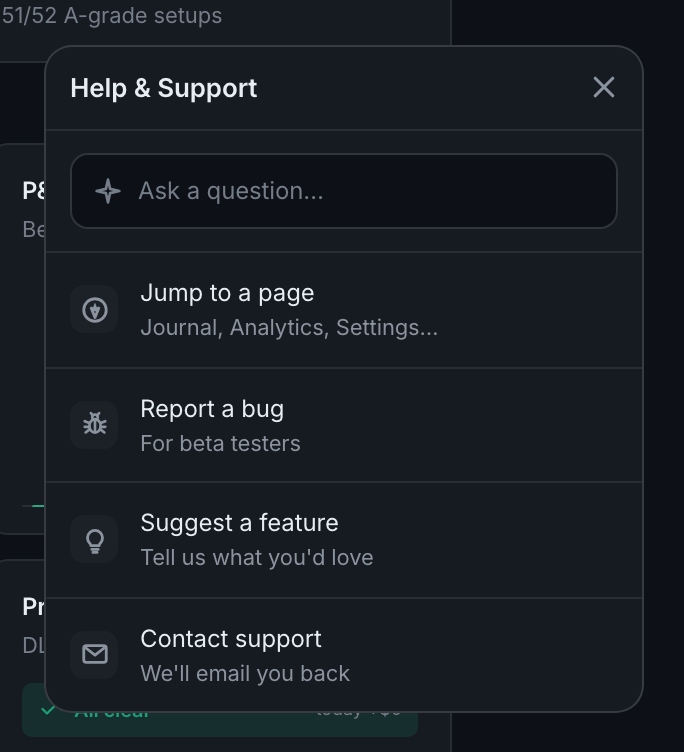
Click the round button in the bottom-right corner of any page. It opens Help & Support: an ask box and four actions. The bug report automatically attaches your current page, your browser and any recent errors, which is most of what anyone would ask you for anyway.

the Help & Support panel: the ask box, and Jump to a page, Report a bug, Suggest a feature and Contact support beneath it
Read the full guide
What happens to my data if I stop using the app?

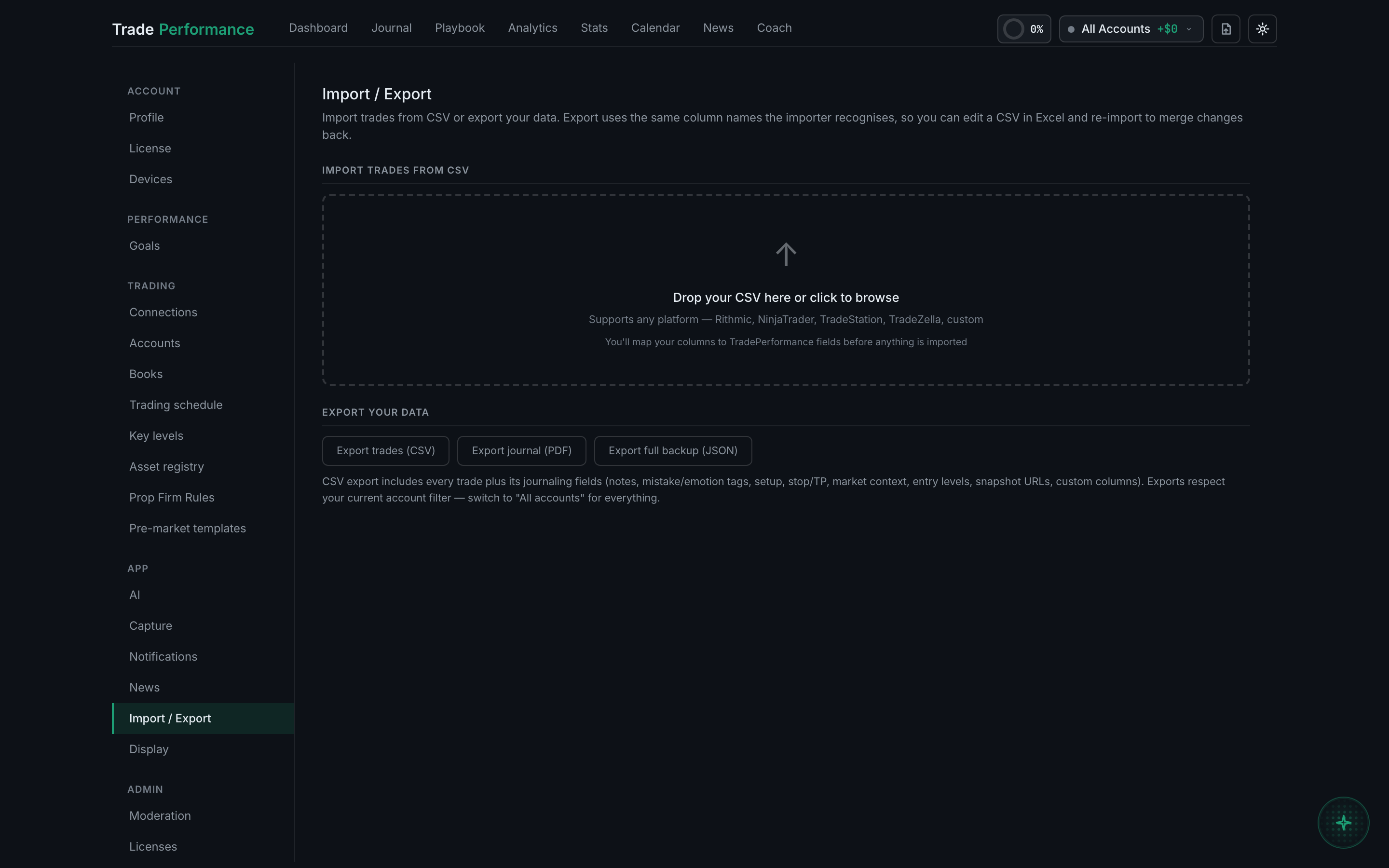
It stays on your account until you delete it, and you can take it with you whenever you like — Settings → Import / Export → Export trades (CSV) exports everything, including all the journalling fields. Deleting the account is an email away, and the erase happens within thirty days.

Settings → Import / Export, where the CSV export lives
Read the full guide