How do I activate a license code?
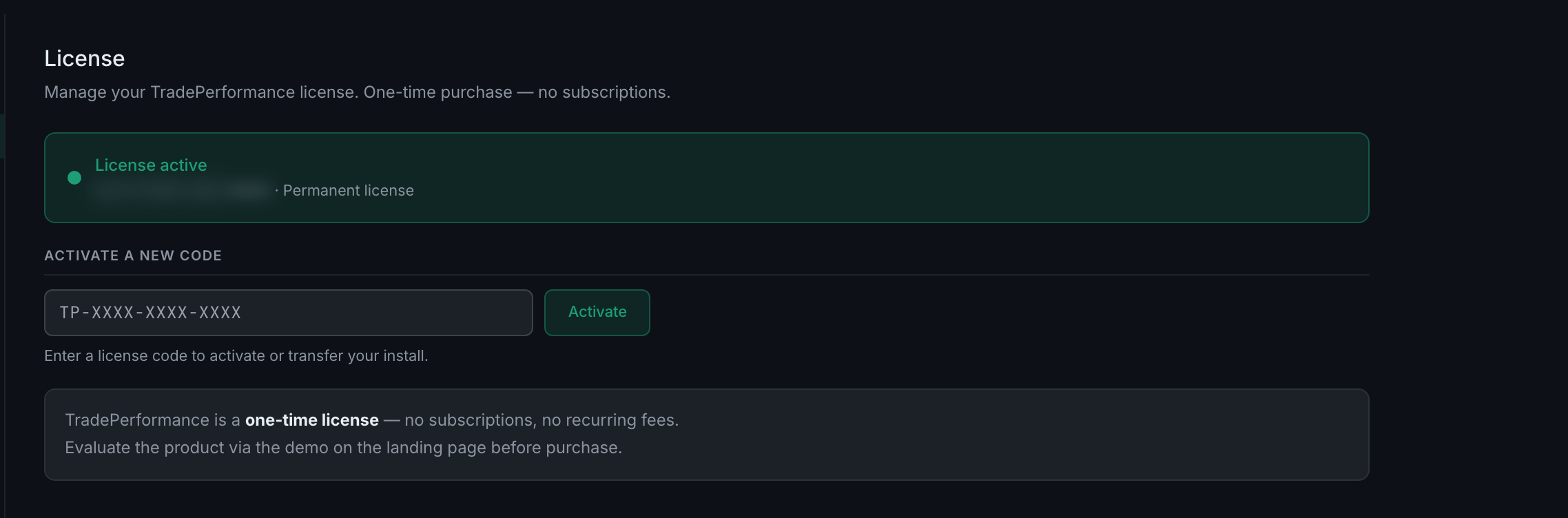
Settings → License, paste the code into the field under Activate a new code, press Activate. Codes look like TP-XXXX-XXXX-XXXX. The same field is how you move an install to a different machine.
The tab opens with your current state — License active, your code, and either an expiry date or Permanent license.
Activating and transferring are the same action. The field's note says "Enter a license code to activate or transfer your install." There is no separate transfer flow; entering a code attaches this install to it.
If your access has lapsed you will not reach Settings at all — the app shows a gate before it, telling you what expired and offering to upgrade, with a Have a code? link underneath for anyone holding one. Your trade history is preserved either way; the gate says so plainly.
Where codes come from. Purchase, or a gift, comp or referral code. Both go through the same field.