What do the voice diagnostics tell me?
Exactly what was heard and what happened to it, for the last hundred or so voice events. Reach it from Open voice diagnostics → at the bottom of the Voice mode block.
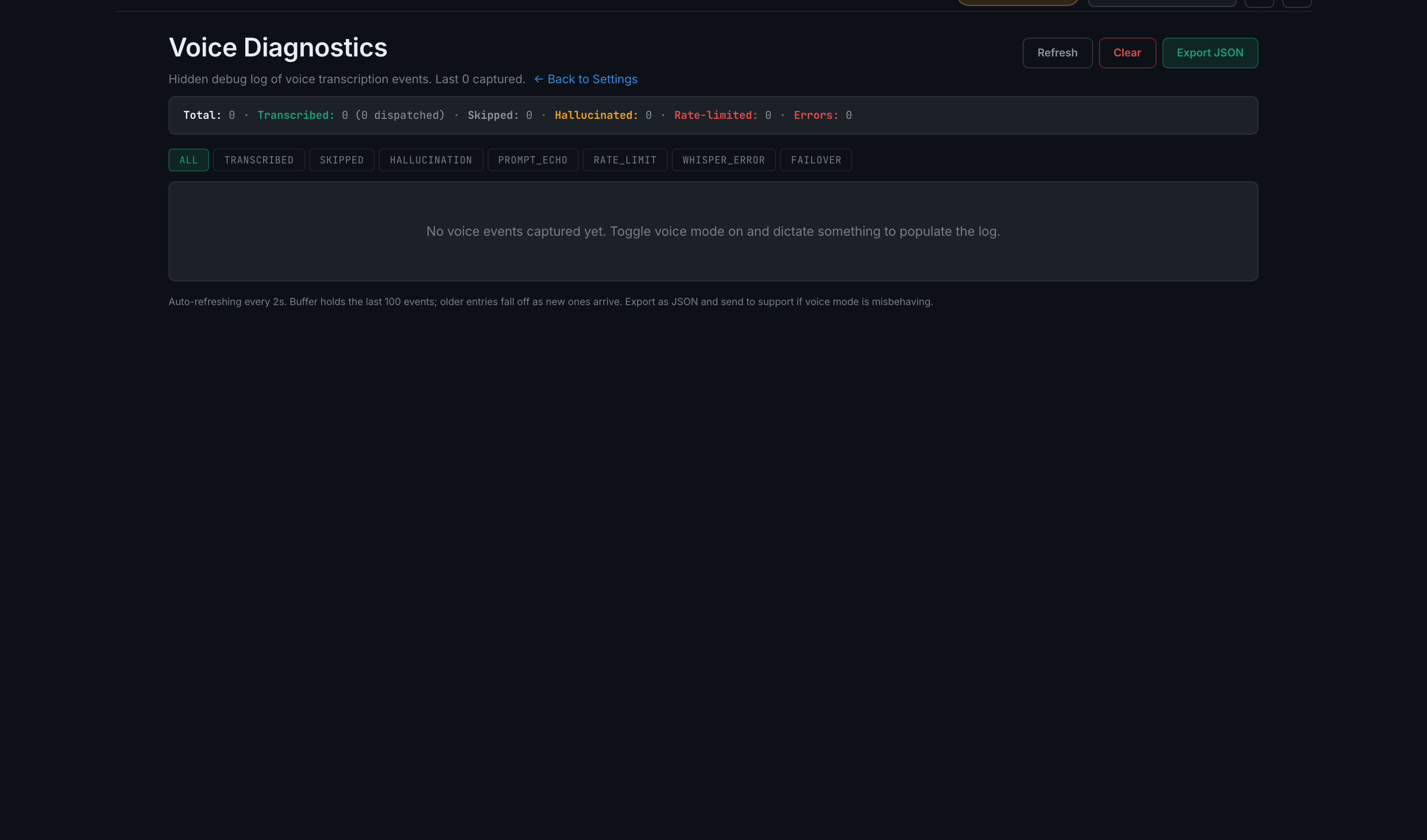
The diagnostics page is the difference between guessing and knowing. Each entry carries a timestamp, the transcript, and a stage badge saying what became of it:
- transcribedHeard cleanly. The row also records whether it was dispatched into a field or matched a command.
- skippedHeard, but deliberately not acted on.
- hallucinationThe engine produced text the app judged to be invented rather than spoken. Whisper does this on silence, which is why the personal vocabulary advice above matters.
- prompt_echoThe engine handed back part of its own prompt instead of your speech.
- rate_limitYour provider throttled the request.
- whisper_errorThe transcription call failed.
- failoverThe app switched engines mid-session, typically Groq to OpenAI after throttling.
A summary across the top counts totals, how many were transcribed, how many actually dispatched, and how many were skipped, hallucinated, rate-limited or errored. You can filter to one stage. The page refreshes itself every couple of seconds, so you can leave it open and speak in another tab.
Three buttons: Refresh, Clear — which asks first and cannot be undone — and Export JSON, which downloads the log so you can send it to support.
How to read it when voice is misbehaving. If your words are not in the log at all, the problem is the microphone or the gate — go back to the level meter and strictness. If they are there under transcribed but nothing happened in the app, the audio is fine and the command did not match, which is a different fix entirely.