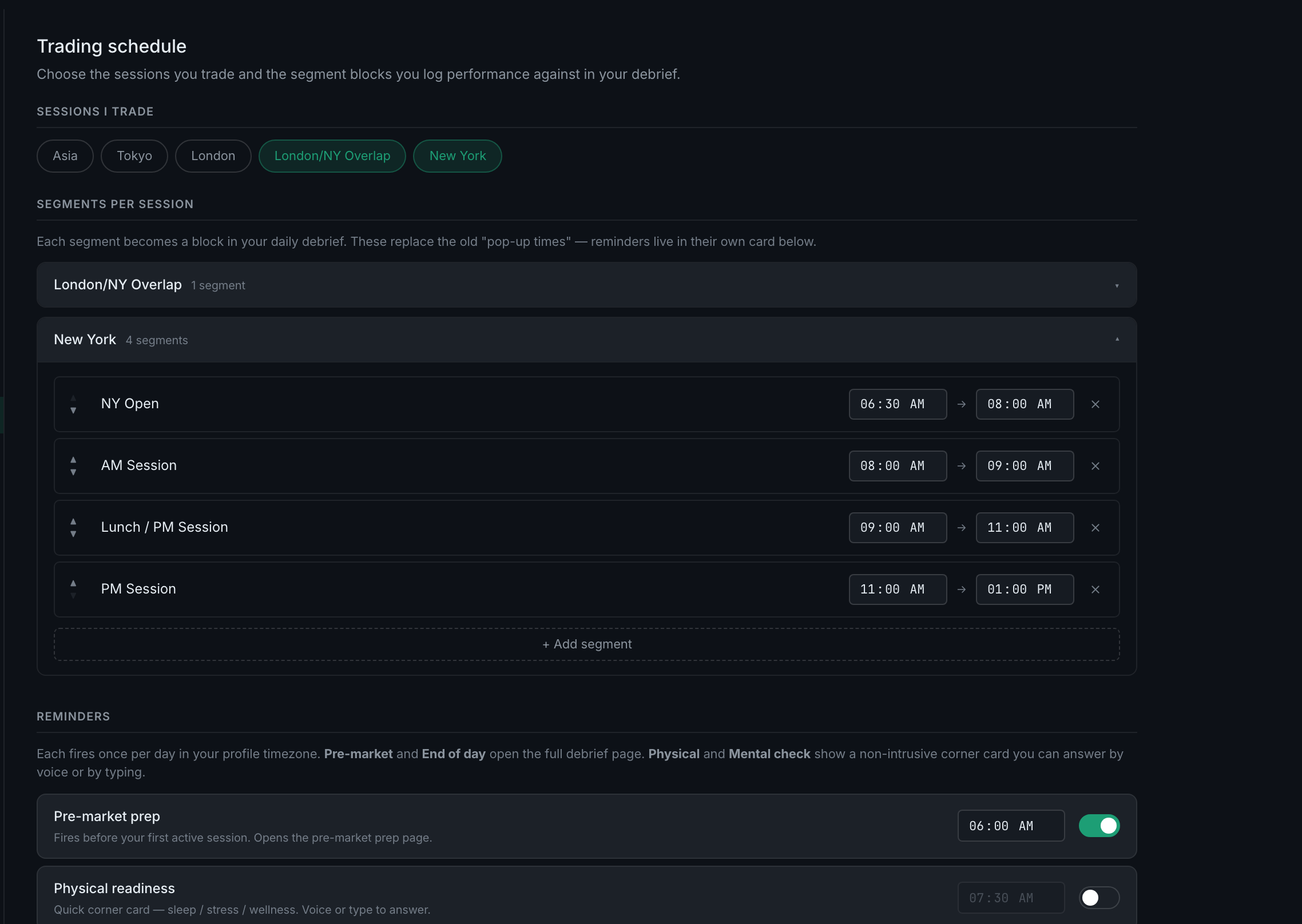
How do I set my trading schedule and session segments?
Settings → Trading schedule. Turn on the sessions you trade; each arrives with default segments you can rename, retime, reorder or add to.
The schedule is not a set of alarm times. It is the set of blocks you grade your performance against — each segment becomes a block in your daily debrief, which is how the app can eventually tell you that your first hour is carrying your week and your afternoon is giving it back.
It is worth doing early, because four other things read it. Setting the schedule is what turns "when did I trade" into data you can cut:
- Every trade gets a session on it, which is why the Journal has a Session column and why filtering to one session is a single click.
- Your debrief splits into those segments, so you write up the open and the close separately rather than grading a whole day as one thing.
- Analytics → Edge → Setup & Session slices P&L by session, which is where "my New York open is my edge and my afternoon is not" stops being a feeling.
- The out-of-session Pattern Alert has a line to compare against. Without a schedule that detector has nothing to measure and stays quiet, so a habit of drifting into hours you meant to avoid goes unremarked.
None of it is retroactive. A trade's session is written onto it once, when the trade is created, and nothing goes back over your history to re-tag it afterwards. Change the schedule today and it applies to what you log from here; trades already in the journal keep the session they were stored with, or none at all if there was no schedule when they landed. So the granularity you will want in six months is decided by whether you fill this in now.
Five sessions are available: Asia, Tokyo, London, London/NY Overlap and New York. Most arrive with a four-part split — open, mid, lunch, close — and the overlap arrives as a single block.
The times are shown in your own timezone. Session boundaries are anchored to New York, because that is where they are actually defined, and converted to the timezone on your profile when the defaults are generated. A trader in Pacific time sees the New York open at 06:30; a trader in Eastern time sees 09:30. The same moment, labelled for the clock you are looking at.
So set your profile timezone before you set your schedule. Everything on this page is derived from it.