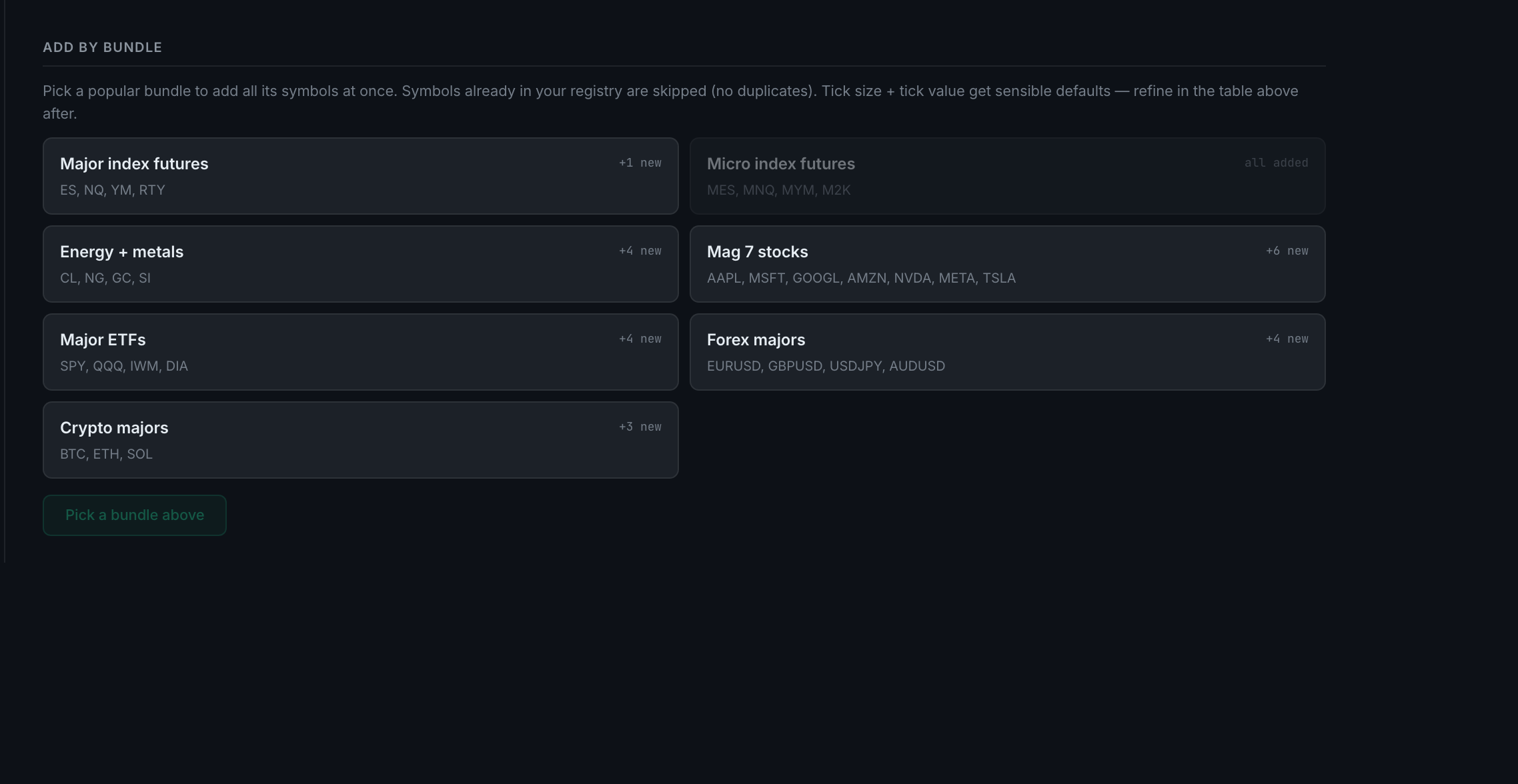
What contract templates are available for quick adding?
Bundles of common instruments, added in one click from Add by bundle. The futures bundles arrive complete — the right tick size and the right tick value. Stocks, forex and crypto arrive with a tick size but no tick value, because what one tick is worth depends on a contract size the app cannot know, and you fill that in yourself.
Add by bundle is on the same page, under the instrument table. Pick a bundle and every symbol in it is added at once. Symbols already in your registry are skipped, so it will not create duplicates.
The bundles are grouped the way traders buy them: Major index futures (ES, NQ, YM, RTY), Micro index futures (MES, MNQ, MYM, M2K), Energy + metals (CL, NG, GC, SI), and Mag 7 stocks (AAPL, MSFT, GOOGL, AMZN, NVDA, META, TSLA), among others.
For futures the bundles carry real tick data — ES at 0.25 and $12.50, NQ at 0.25 and $5.00, YM at 1.00 and $5.00, RTY at 0.10 and $5.00, and the micros alongside them. For stocks, forex and crypto no tick value is filled in at all. That is deliberate: a tick's worth depends on whether a contract means one coin, one unit or a 100,000 lot, and guessing it would put a wrong dollar figure on every trade. Fill it in yourself in the table above, and until you do, the figures that need it read as unavailable rather than wrong.
This is the fix for the previous question. An instrument created for you by an incoming trade gets the right tick size when the app recognises the contract, and none at all when it does not — in which case the figures that need one report as unavailable rather than guessing. One added from a futures bundle arrives complete. So if you trade futures, add your instruments from a bundle before your first import and there is nothing left to fill in.