How do captured images get attached to the right trade?
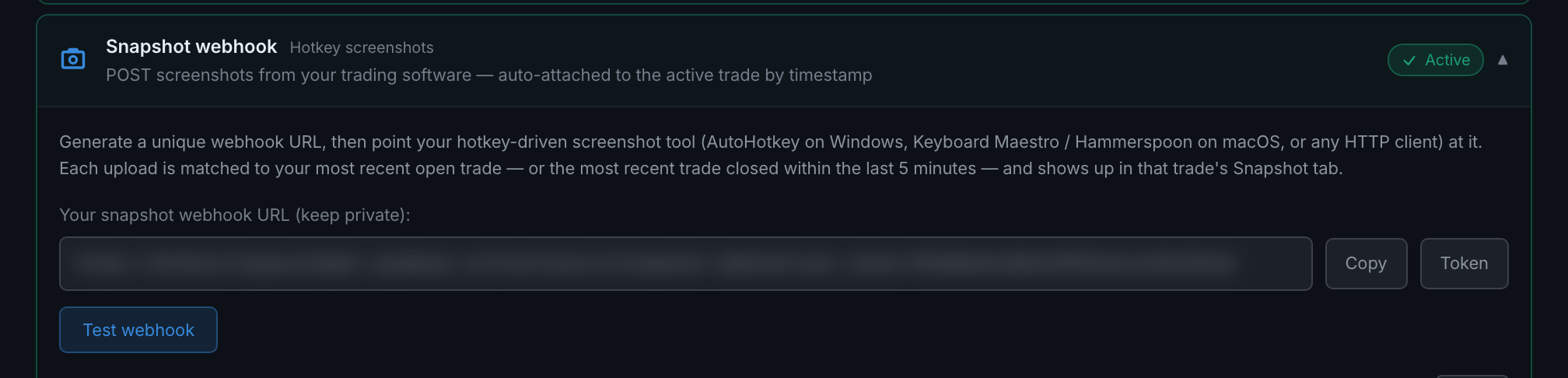
Two different ways. An automatic capture is fired by a specific trade, so it is attached to that trade with no guessing. A webhook upload has to be matched by clock: your open trade first, otherwise a trade that closed within the last five minutes.
The distinction matters because only one of the two can be wrong.
Automatic capture cannot mis-file. The capture happens because a particular trade row appeared or closed, so the identity of the trade is known before the screenshot is taken. The image is recorded against it directly.
Webhook uploads are matched by timestamp, in this order:
- First, is there an open trade whose entry time is before the moment of the screenshot? If so the image goes there. This is the normal case — you are in a trade, you press the key.
- Failing that, did your most recent trade close within the previous five minutes? If so the image goes there. This covers the shot you take just after being stopped out or taking profit.
- Failing both, the upload is orphanedStored on your account but attached to nothing. The response tells your script this happened.
Five minutes is fixed and not configurable. The practical consequence: a hotkey screenshot taken more than five minutes after your last trade closed, with nothing currently open, will not attach to anything. Take the trade first, then the screenshot.
Where an attached image shows up. On the trade's Snapshot tab in the trade detail panel, badged with where it came from. Webhook uploads carry a WEBHOOK badge, so you can always tell a hotkey shot from an automatic one.