How do I clear a filter I have set?
Each panel has its own Reset link in its top-right corner. There is no single button that clears everything at once.
Because the filters stack, it is easy to end up with three of them on and only remember two. The reliable way to tell is the buttons themselves: a filter that is doing nothing shows its default wording — All assets, All time — and a filter that is active names your selection instead.
The trade count on the left is the other check. If it does not match your total, something is still filtering.
Step by step
- Look along the filter bar for any button not showing its default wording. That is a filter still switched on.
- Click it to reopen its panel, then click Reset in the top-right corner of the panel.
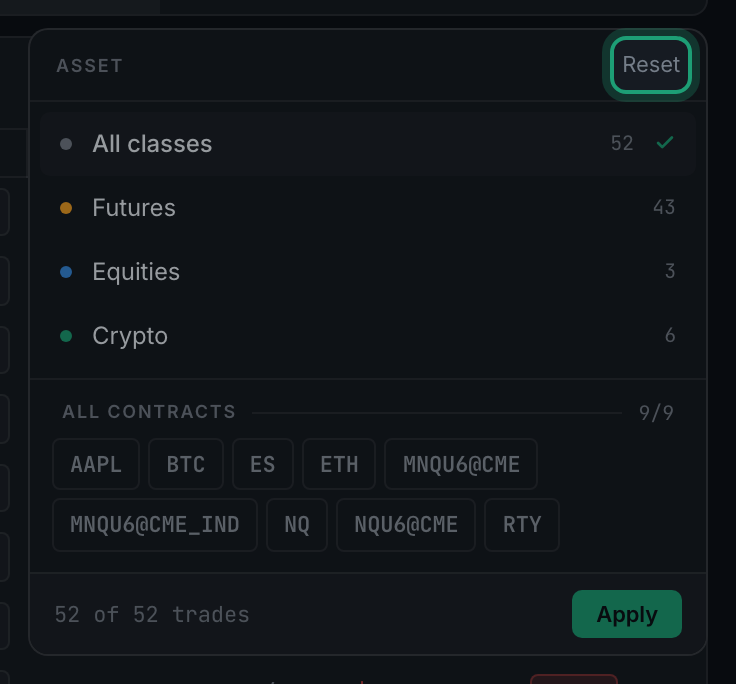
the Reset link in the top-right corner of an open filter panel - Repeat for each panel you have used.
- Check the count on the left has returned to your full number of trades.