Voice isn't recognizing me — how do I fix it?
In order: check the level meter, check you are on the right microphone, lower strictness a little, and re-enroll if the card says your voiceprint is from an older model.
Recognition failures are nearly always one of four things, and they are worth ruling out in this order because that is roughly how common they are.
Step by step
- The microphone is too quiet or is the wrong device. Press ▶ Test mic. If the bar does not reach green while you talk normally, nothing downstream can work. On a Mac, check you have not been routed to a nearby iPhone.

the input level meter and its ▶ Test mic button, the first thing to check - Strictness is set too high. The gate rejects anything it is not confident about. If you are being ignored while speaking clearly, take the slider down in small steps and try again.
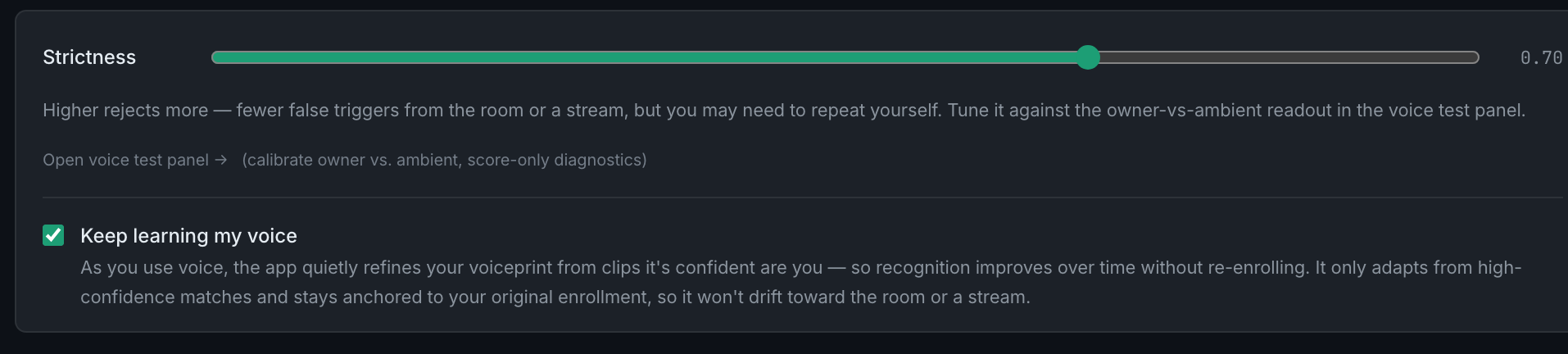
the strictness slider, which decides how close a match the app demands - Your voiceprint is stale. After a model change the card says older model, re-enroll recommended. Scores against an old print are not comparable; re-enroll.
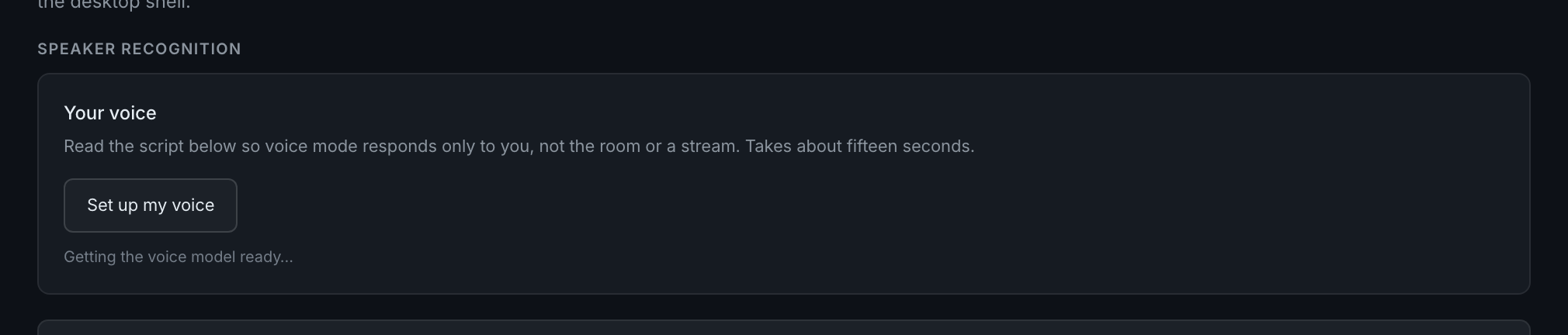
the "Your voice" card, which reports your enrollment and flags an outdated one - Your enrollment was thin or noisy. Five clips is the minimum, not the target. An enrollment recorded in a noisy room, or rushed with no pauses, gates badly. Re-enrolling properly takes fifteen seconds.
If none of those explains it, open the voice diagnostics — described at the end of this page — and look at what was actually heard. That distinguishes "the app never heard me" from "the app heard me and rejected it", which are completely different problems.