Can I see trades from all my accounts at the same time?
Yes. The account panel has an all-accounts option, and there's a separate toggle for whether practice accounts are included.
Step by step
- Open the account panel by clicking the account name in the top bar.

the account name in the top bar, which is the control that opens it - Choose the option that shows all accounts rather than a single one. The Journal now lists trades from every account together.
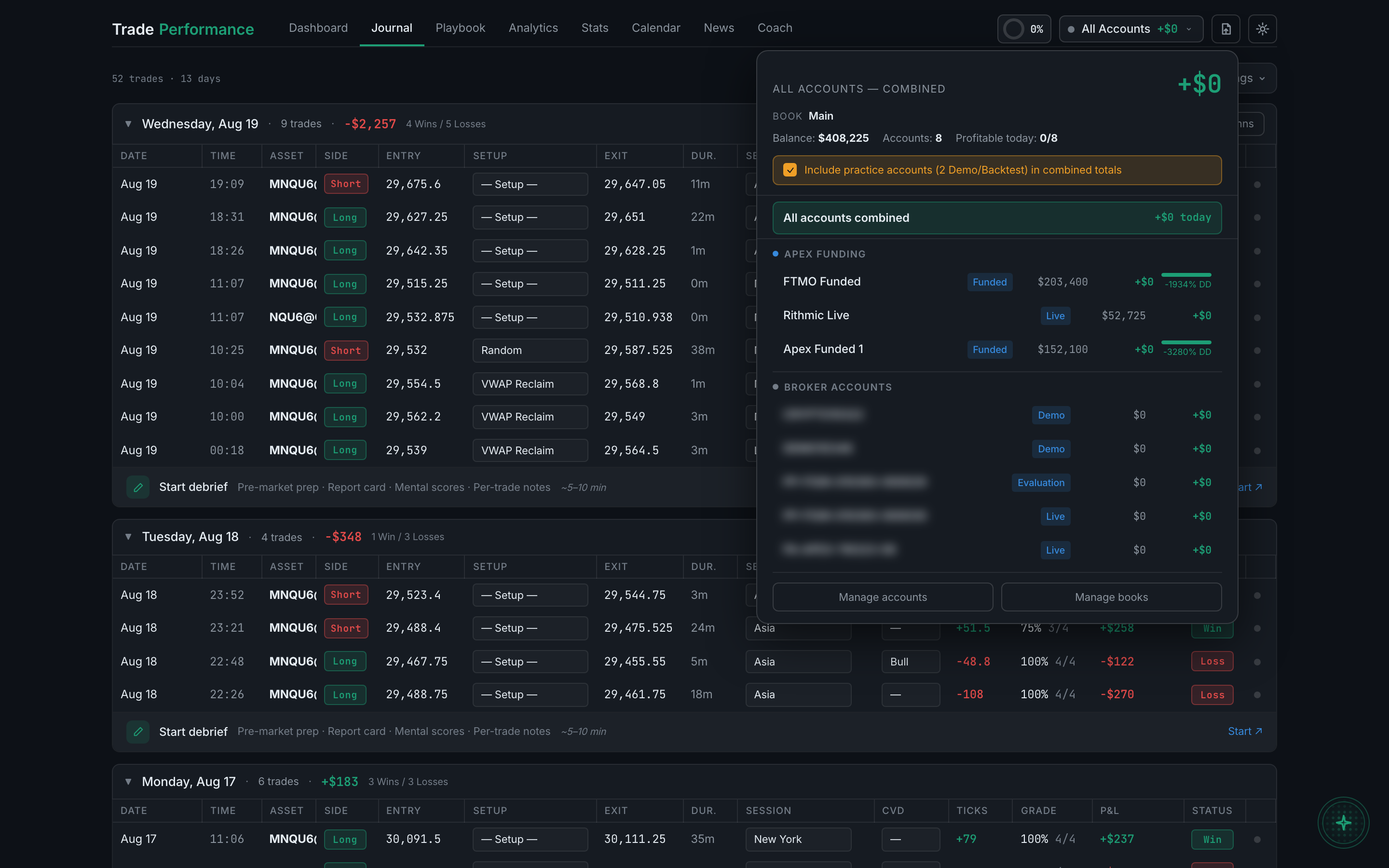
the account panel it opens, with the all-accounts option at the top - Near the top there's a checkbox reading Include practice accounts in combined totals, which tells you how many demo and backtest accounts it covers.
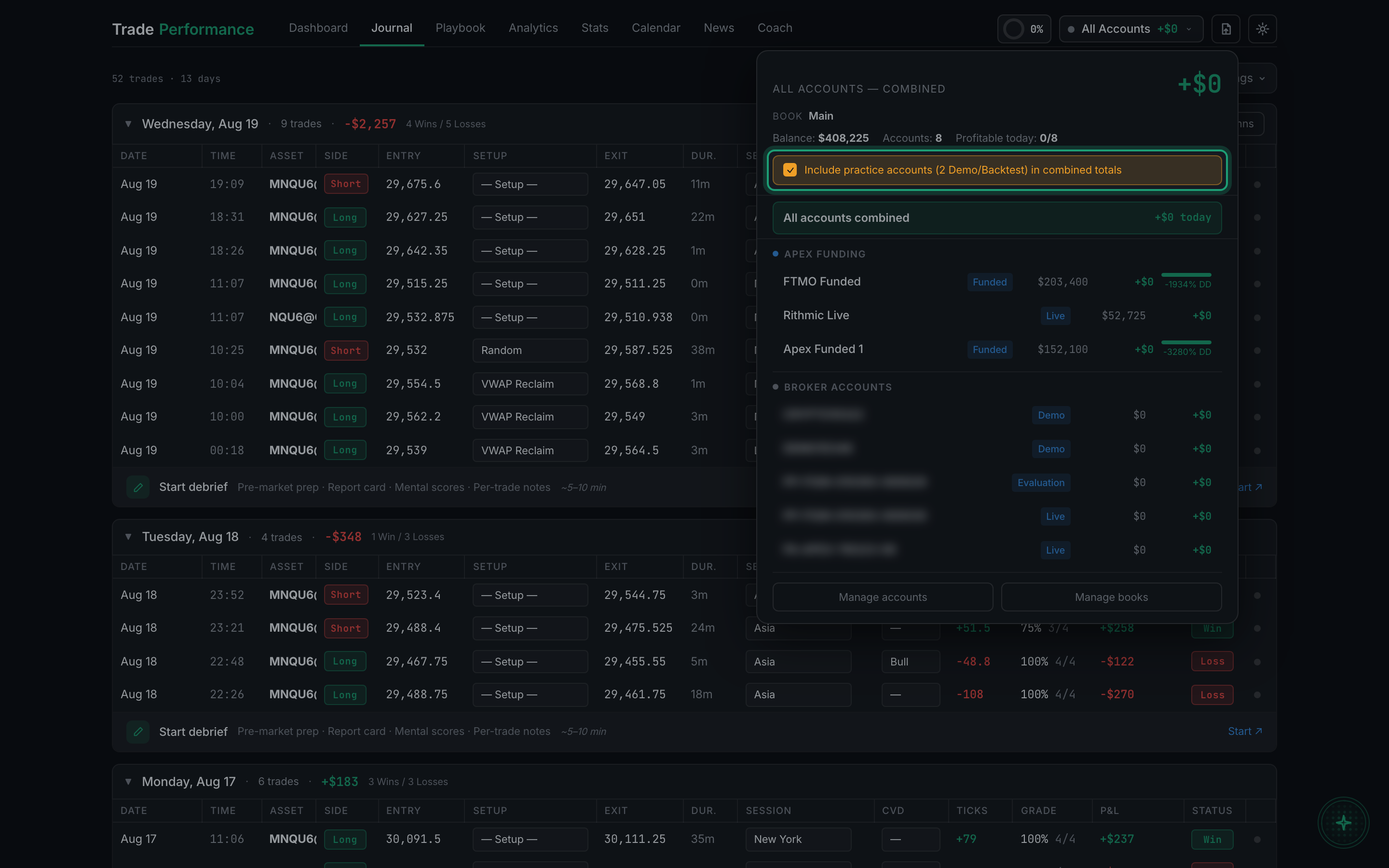
the practice-accounts checkbox in the account panel, highlighted - Leave it unticked when you want your real numbers, and tick it when you want test trades counted too. This matters more than it sounds: a demo account with a large paper balance will swamp your combined totals if it is included by accident.
- At the foot of the panel, Manage accounts and Manage books jump straight to those settings pages.
With all accounts shown, turn on the Account column so you can tell which trade came from where. See "Which columns can I show or hide?"