Can I see what my pre-market prep said for a past day?
Yes — it's the first section of that day's debrief. Open the day's debrief from the Journal or the Calendar and your prep answers are at the top.
Step by step
- Find the day you want in the Journal. Days are grouped out of the box; if you are on the flat list, click the unlabelled icon button between All assets and All time to bring the day headers back.
- Click that day's debrief bar.
- Pre-market prep is the first of the three sections. It shows the answers you gave that morning, exactly as you entered them.
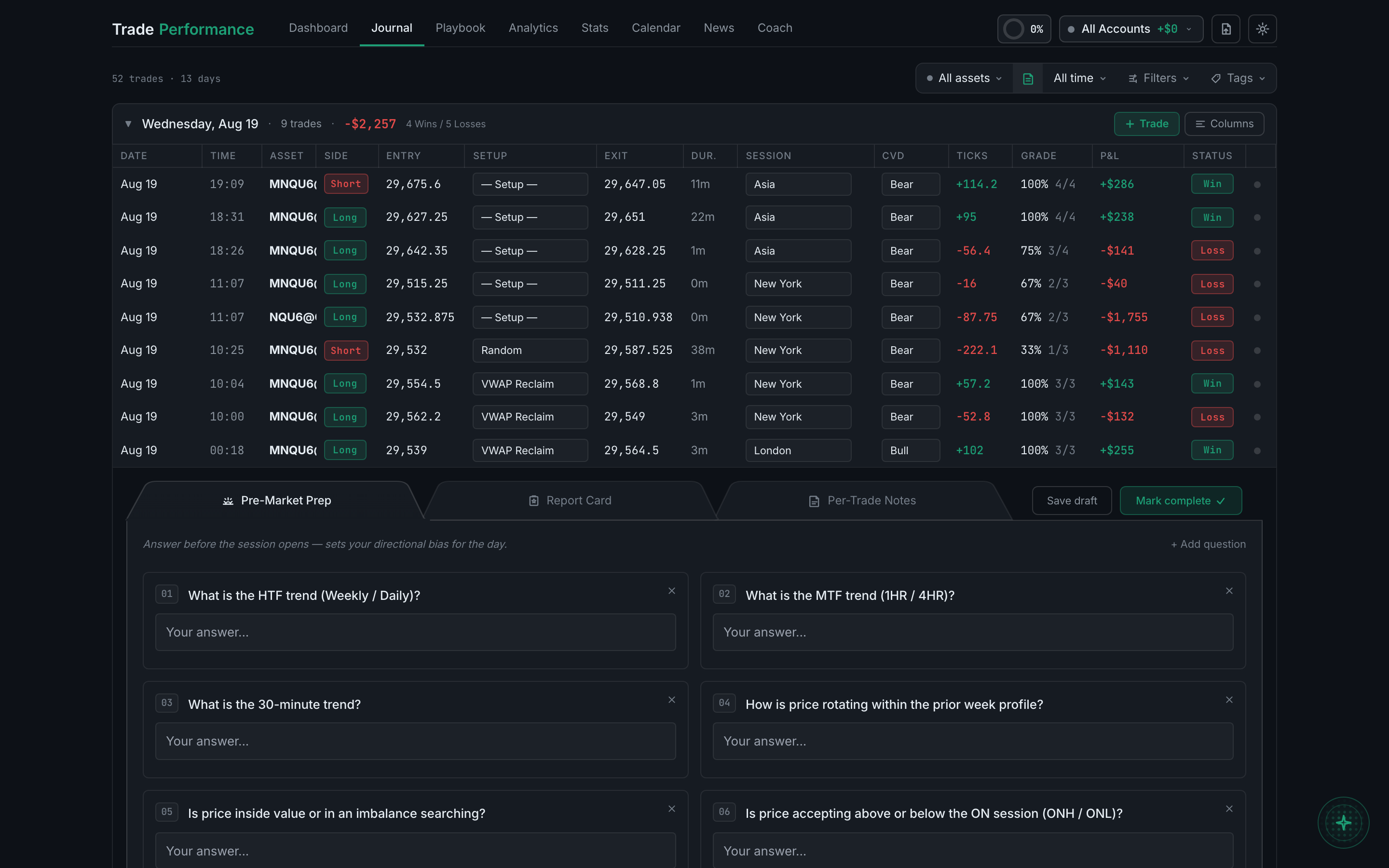
the pre-market prep section of an opened debrief - If the section is empty, you didn't fill in prep that day. There's no way to backfill it for a past date.
The Calendar page opens the same debrief for any historical day, if you'd rather find the day on a month grid than scroll the Journal.