What notifications can I turn on or off?
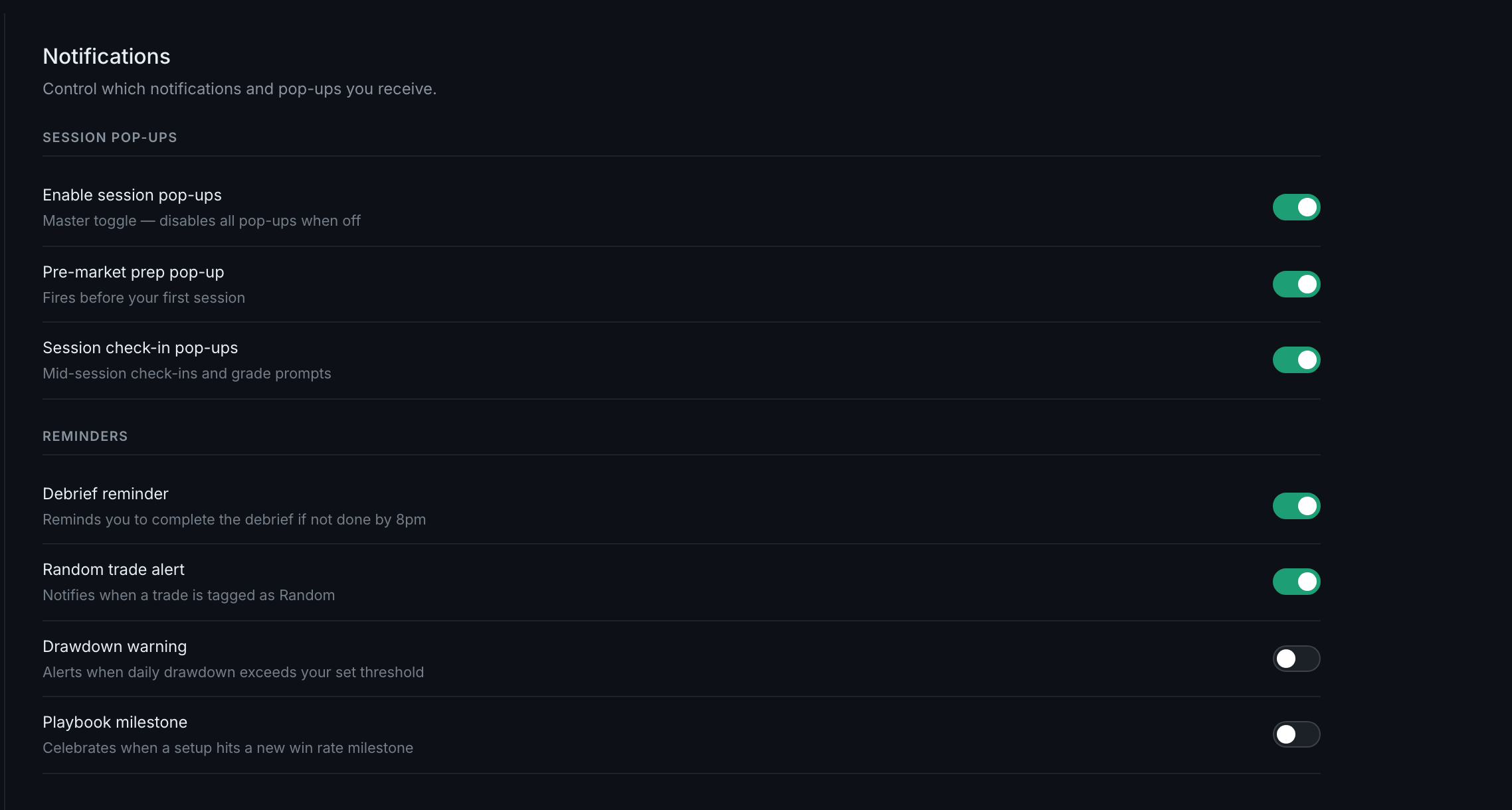
Two groups. Session pop-ups, with a master switch and two kinds under it, and Reminders, of which there are four. Everything here is in-app; nothing is emailed.
They are separated by how much they interrupt you.
Session pop-ups — the master toggle is Enable session pop-ups, and turning it off disables everything below it:
- Pre-market prep pop-upFires before your first session.
- Session check-in pop-upsMid-session check-ins and grade prompts.
Reminders — four, each with its own switch:
- Debrief reminderIf no debrief is done by 8pm.
- Random trade alertWhen a trade is tagged as Random.
- Drawdown warningWhen your daily drawdown passes the threshold you set.
- Playbook milestoneWhen a setup reaches a new win-rate milestone.
One thing worth knowing: the two pop-up switches under the master are drawn from the master's own state. Turning the master off turns both off; they are not separately adjustable while it is on.
The reminders that fire in your debrief flow — physical readiness, the AM and PM mental checks — are configured with your trading schedule, not here. See the five reminder types.